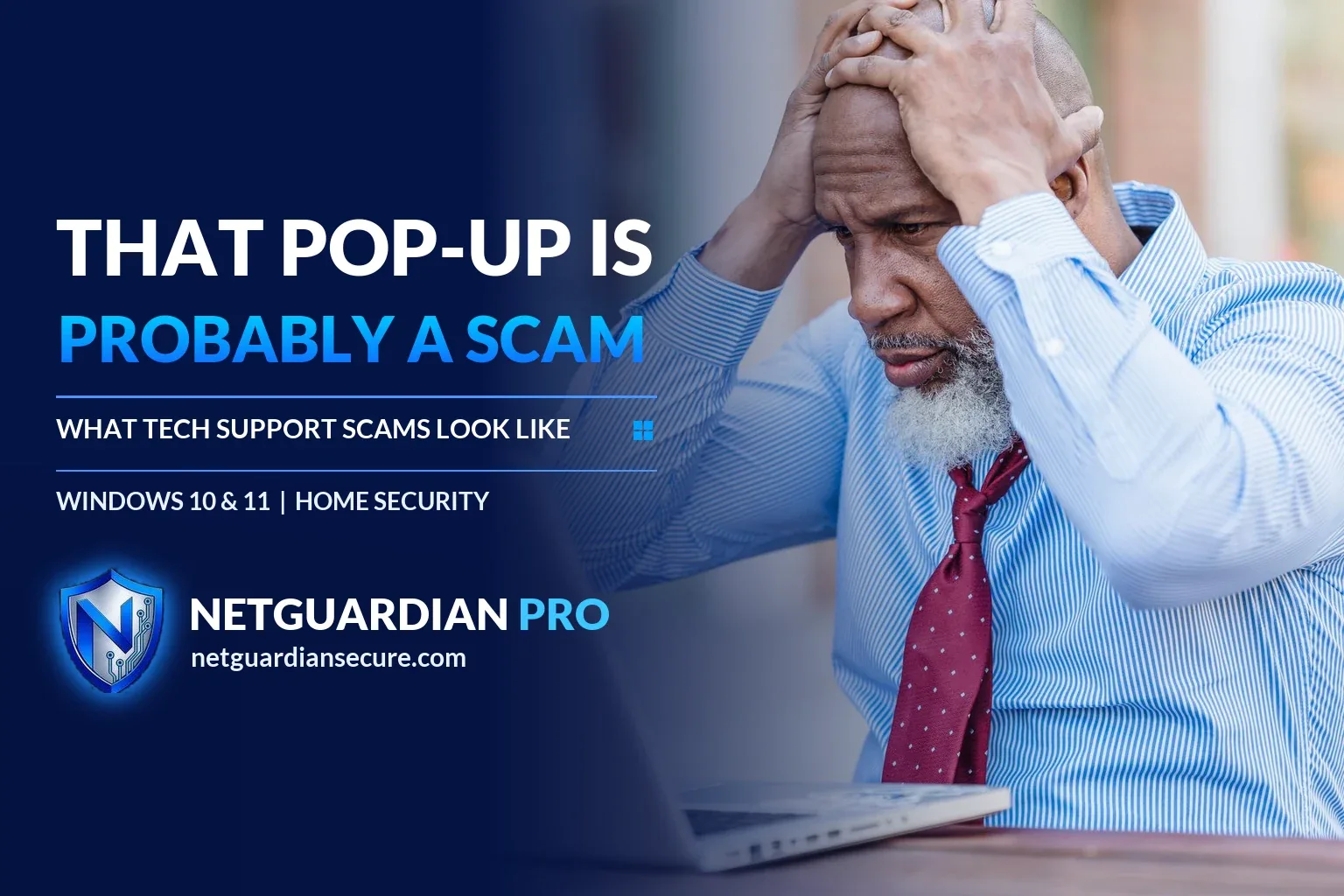
The tech support scam call: warning signs and what to do next
You’re browsing, and a window fills your screen. Loud beeping, maybe. A warning that your PC is infected, with a phone number to call right now. Or your phone rings and someone says they’re from Microsoft, your computer sent them an error report, and they need to log in to fix it. Both of these are a tech support scam, and it works because it scares you into acting before you think.
Here’s what to look for, and what to do if you’ve already picked up the phone or clicked the link.
How a tech support scam usually starts
Most of these scams begin one of two ways. Either a fake pop-up warning shows up while you’re browsing, dressed up to look like it’s from a well-known company and telling you to call a number for help. Or a scammer calls or texts you first, claiming to be a technician from that same well-known company, saying they detected a problem on your machine.
Scammers also buy display ads and try to rank their own fake support sites in search results, so a quick search for “tech support” can land you on their number too, according to the FTC. There’s also a subscription-renewal version: an email or text claims you were just charged a large fee to renew antivirus or tech support, with a number to call within 24 hours to dispute it.
The request for remote access
Once you’re on the phone, the script is fairly consistent. They ask for remote access to your computer so they can “scan” it. They pretend to find a virus, or in worse versions, claim your identity or bank accounts were used in a crime like money laundering. Then they push urgency: your money is at risk, you need to move it to protect it, maybe into a “federal safety locker.” There’s no such thing, and no real government employee will ever tell you to withdraw cash or buy gold to keep it safe.
They’ll usually ask to be paid in gift cards, wire transfer, cryptocurrency, or a payment app. Those methods are hard to reverse once the money’s gone, which is exactly why scammers prefer them.
Why real companies never do this
Two rules cover almost every version of this scam. Legitimate tech companies don’t call, email, or text you out of the blue to say there’s a problem with your computer. And a real security warning will never ask you to call a phone number, full stop.
If a pop-up or message has you worried there might be an actual problem, close it without calling anything, then update your security software and run a scan yourself. If you want a second opinion, ask a friend, a family member, or a store that sells computer equipment and does support in person. NetGuardian Pro can help here too: it checks files against known-malware data and learns what’s normal for your PC, so it can tell you if something genuinely looks off, no phone call to a stranger required. For a broader rundown of what’s actually out there, see our guide to computer threats.
If it’s already happened
If you gave someone remote access, paid them, or handed over personal information, move fast.
- Disconnect the PC from the internet and shut down remote access software if you can find it.
- Change the password for any account you logged into during the call, starting with email and banking, and change it anywhere else you reused that password.
- Call your bank or card company if you paid, and ask them to reverse the charge or flag the transaction.
- If you paid with gift cards, contact the retailer or issuer right away. It’s a long shot, but sometimes cards can be frozen before they’re spent.
- Report the scam at ReportFraud.ftc.gov, which the FTC uses to build cases against these operations.
If you’re not sure whether a subscription renewal notice is real, don’t call the number in the message. Look up the company yourself and check your card statement for an actual charge. No charge on the statement means no real renewal, and the message goes in the trash.
One more thing worth having in place before any of this happens: NetGuardian Pro’s network alerts flag suspicious activity on your PC with a plain suggestion you can act on, so you’re not left guessing whether something a stranger told you over the phone is true.
Sources
- FTC: How to spot, avoid, and report tech support scams: how the scam works, payment methods, remote access, subscription renewal scam, and what to do if scammed.
- FTC consumer alert on urgent security pop-ups: why real security warnings never ask you to call a number, and what to do instead.
If it isn’t for you, there’s a 7-day refund window.
Guarding your family, your business, your future.
Related reading: Scammers also use other routes. Read about how SIM swap fraud works and how to protect yourself, and about QR code scams at parking meters and on parcels.
About the author. Published by Joel Papenfus, founder of NetGuardian and creator of NetGuardian Pro. The sources this post draws on are linked in the post. Reviewed and checked by Joel on 1 October 2026.