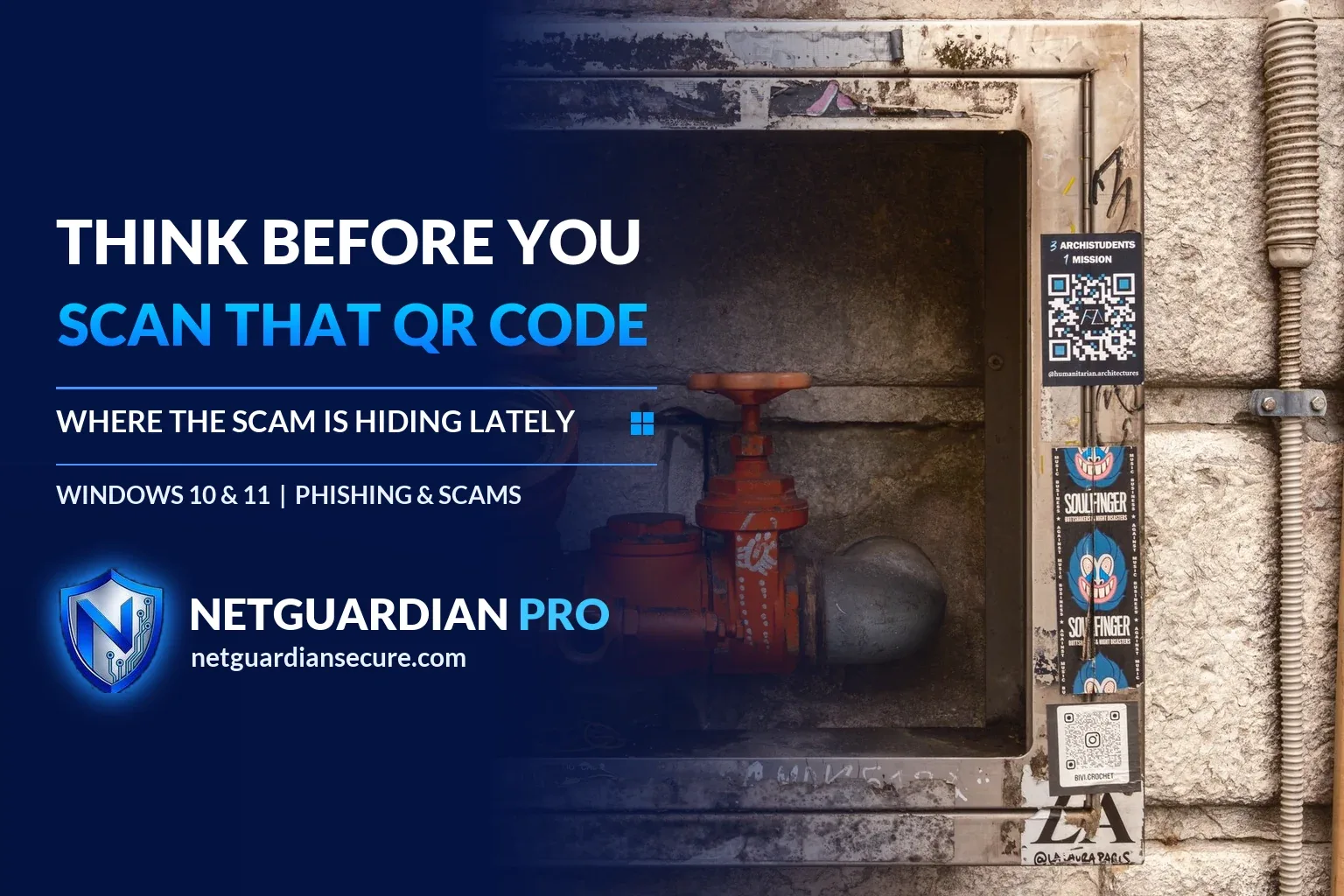
The QR code scam hiding on parking meters and parcels
A QR code scam doesn’t need to be clever. It just needs you to be in a hurry. You’re trying to pay for parking before the meter runs out, or you’ve just opened a box you don’t remember ordering, and there’s a little black-and-white square telling you to scan it. Most people do, without a second thought. That’s exactly what scammers are counting on.
The FTC has put out alerts on two versions of this con recently: one where a fake QR code sticker is slapped over a real one on a parking meter, and another where a QR code shows up on a package you never ordered. Both lead to the same place: a site built to take your money, your login details, or both.
How the QR code scam works on parking meters
According to the FTC, people have reported scammers covering legitimate QR codes on parking meters with a sticker of their own. You park, see the code, scan it, and land on a page that looks enough like a real parking payment site to fool you. Enter your card number there and it goes straight to whoever printed the sticker.
There’s no way to tell from a glance that a code has been swapped. A sticker over a sticker looks the same as the original from three feet away. The only real warning sign shows up after you scan, in the link your phone or laptop is about to open. Part of what makes this version work so well is that paying by QR code at a meter already feels normal. Cities have trained people to expect it, so a fake one blends right into the routine instead of standing out as suspicious.
The package you didn’t order
The second version starts with a box on your doorstep. No name you recognize sent it. Inside, a note says it’s a gift and tells you to scan a QR code to find out who sent it, or to get return instructions. The FTC describes this as a possible new twist on the brushing scam, where someone sends unsolicited items tied to your address or name.
Scanning the code can send you to a phishing page built to collect your credit card number, username, or password. On a phone, it can also push malware onto the device and hand over access to whoever sent it. If the package really is a gift from a confused relative, fine, you can keep it. The law allows that. But treat the QR code on the note as a separate decision entirely, made on its own terms, not just because curiosity about the sender got the better of you.
Is scanning a QR code safe?
Most of the time, yes. A QR code on a restaurant menu or a conference flyer just opens a web page, the same as clicking a link anyone could type into a browser. The code itself isn’t the dangerous part. What’s dangerous is that a QR code hides the actual web address until after you’ve already pointed your camera at it and your phone is halfway to opening the link.
With a normal link, you can hover over it and see where it actually goes before you click. With a QR code, you’re trusting that whatever it points to matches what the sign, sticker, or note claims. When that trust gets abused, the result is a phishing page, a fake payment form, or in some cases a prompt to install something you shouldn’t.
This is also where it matters that a lot of QR code scams don’t stop at the phone. If you scan a code on your phone and it emails or texts you a link to finish something on your computer, or if the page tells you to download a form or an app to your Windows laptop, the scam has just followed you from one device to the other. That’s the moment a phishing attempt can turn into malware sitting on your PC, running quietly while you go about your day.
Check the link preview before it opens
The single best habit here, and the one the FTC leads with, is simple: look at the link before you let it open. Most QR scanner apps and phone cameras show a preview of the destination URL before they take you there. Read it. Look for:
- Misspelled brand names, like “paypaI” with a capital I instead of a lowercase L
- A domain that doesn’t match the company it claims to be, such as a parking app’s name tacked onto a strange root domain
- Extra words or numbers jammed into the address that don’t belong there
- A shortened link (bit.ly or similar) hiding where it really leads
- A string of random letters before the actual domain name, a common way to disguise a fake site as a subdomain of a real one
If anything looks off, close the preview and don’t tap through. Pay the meter with coins, the attendant, or the official app you already have installed instead of a fresh scan. If the package note wants you to scan a code to learn who sent a gift, you can usually just ignore it; the sender’s name isn’t worth the risk.
This same read-before-you-click habit is worth applying anywhere a link shows up unexpectedly, not just with QR codes. It’s the same instinct that would have saved Dana from a fake boots website that almost cost her $64, and the same one that helps spot a tech support scam call before it goes further. Scammers reuse the same basic structure across every channel: urgency, a plausible reason to act now, and a link or number that short-circuits the part of your brain that would normally double-check.
If you already scanned a bad QR code
If you’ve scanned one and typed in information, or you’re not sure what the page did, the FTC’s advice is to move fast and in this order:
- Don’t reply to or call anyone through the site. If you reach out through a fake page, scammers may use the contact to pressure you for money or more details.
- Change any password you entered on that page right away, and change it anywhere else you reused it.
- Check your bank and credit card statements for charges you didn’t make.
- Report what happened at ReportFraud.ftc.gov.
If you’re worried the package scam exposed more than a password, such as your name and address being used elsewhere, pull a free credit report and look for accounts you don’t recognize. The FTC’s package-scam alert points to AnnualCreditReport.com and IdentityTheft.gov for that next step, including a personal recovery plan if your identity was actually used. None of these steps take long, and doing them within a day or two matters more than doing them perfectly.
Protecting your Windows PC and accounts
A couple of habits do most of the work here, and they’re the same ones that help with any phishing attempt, QR code or not.
Keep your phone and your Windows laptop updated. The FTC calls this out directly: current software and the latest security patches close off a lot of the ways a bad link turns into a bad outcome. An out-of-date browser or OS is more likely to let a malicious page do something it shouldn’t, whether that’s running a script it has no business running or tricking you into granting a permission you’d normally refuse.
Use a strong, unique password on every account, and turn on two-factor authentication where it’s offered. That way, even if a QR scam does catch you off guard and you type your password into a fake page, the damage stops at that one account instead of spreading to your email, bank, and everything tied to them.
Be careful about public Wi-Fi near parking garages, transit stations, and other places these scams tend to show up. If you’re checking a QR link or paying for parking on a laptop over open Wi-Fi, a VPN keeps that connection private from anyone else on the same network. NetGuardian Pro includes a WireGuard-based VPN built for exactly that kind of public network use.
If a QR code scam does end with a file landing on your Windows PC, maybe disguised as a parking receipt, a return label, or a “verification” tool, don’t just open it because it looks official. NetGuardian Pro checks files against public reputation data for known software and known malware, and it learns which programs are normal for your own PC, so something unfamiliar sticking out gets flagged instead of run blind.
For a broader look at keeping every device in the house in reasonable shape, the home device checklist covers the basics worth having in place before a scam like this ever reaches your door. And if these QR tricks tend to catch you while you’re out and about, the same caution applies while traveling with a laptop, where unfamiliar Wi-Fi and unfamiliar codes show up together more often than at home.
None of this requires you to stop using QR codes. They’re not going away, and most of the ones you’ll scan this month are completely fine. The only real change worth making is the pause before you tap through: look at where the link actually goes, and if it doesn’t match what’s in front of you, close it and pay or ask the old-fashioned way instead.
Sources
- FTC: See a QR code parked somewhere? Don’t scan it…yet!: details on the parking meter QR code scam and the steps to check a link and respond if scammed.
- FTC: Scam alert, QR code on an unexpected package: details on the mystery package QR code scam, risks of scanning, and recovery steps.
If it isn’t for you, there’s a 7-day refund window.
Guarding your family, your business, your future.