
Internet Security in Business: A Practical 2026 Guide
Business owners face a growing challenge: protecting their operations from internet-based threats while maintaining productivity and growth. Internet security in business isn't just about installing software and hoping for the best. It requires understanding the risks you face, implementing practical controls, and building awareness across your team. Whether you run a small consultancy from home, manage a team of remote workers, or operate a retail business with networked point-of-sale systems, your internet connections are both essential and vulnerable.
Understanding the current threat landscape
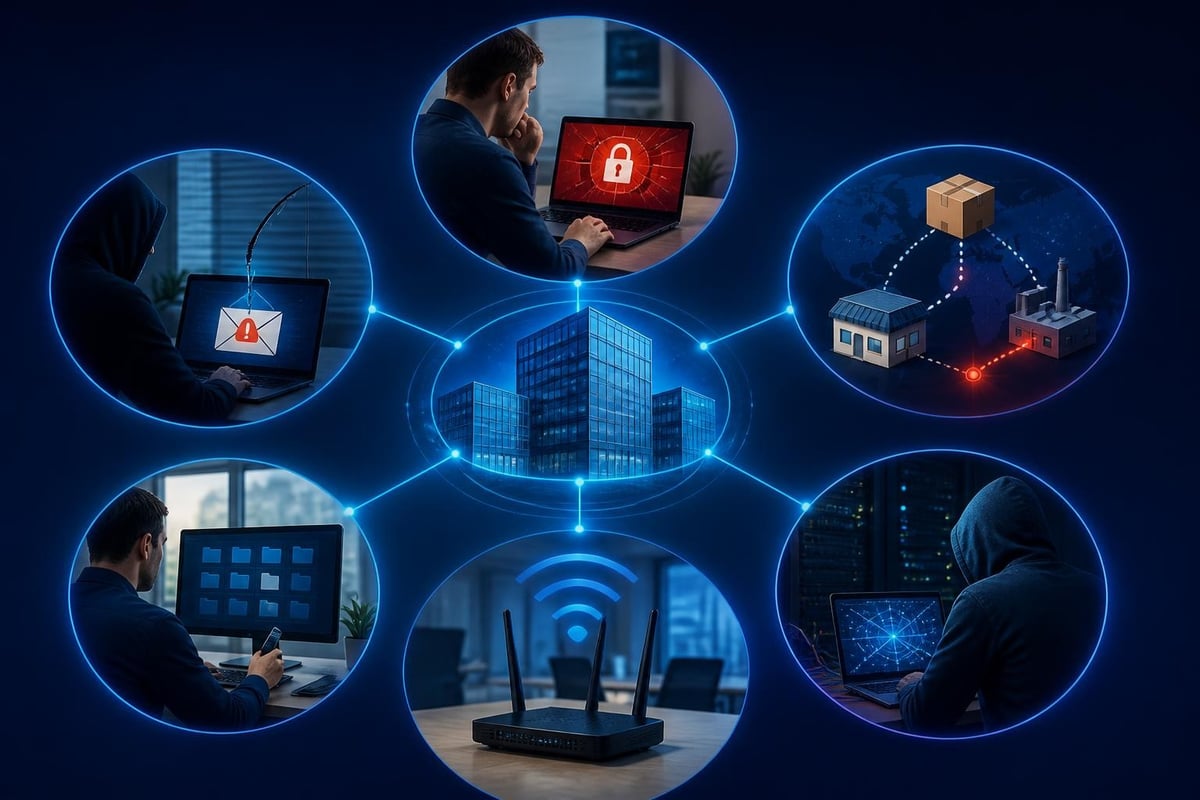
The threats facing businesses in 2026 have evolved considerably from simple viruses and spam. Cybercriminals now operate sophisticated operations targeting businesses of all sizes, often focusing on small and medium operations that lack dedicated IT security teams.
Ransomware remains one of the most damaging threats. Attackers encrypt your files and demand payment for the decryption key. CISA’s #StopRansomware Guide provides operational best practices for prevention and response. The financial impact extends beyond ransom payments to include downtime, recovery costs, regulatory penalties, and reputation damage.
Phishing and social engineering continue to be highly effective. Attackers impersonate trusted contacts, suppliers, or service providers to trick employees into revealing credentials, transferring funds, or installing malicious software. These attacks exploit human psychology rather than technical vulnerabilities.
Supply chain compromises have increased, where attackers infiltrate trusted vendors or software providers to reach multiple downstream targets. Your business security depends partly on the security practices of every vendor and service provider you work with.
The ENISA Threat Landscape 2024 provides authoritative analysis of current threats, trends, and mitigation measures relevant to businesses globally.
Essential internet security controls for business
Implementing internet security in business requires layered controls that work together. No single tool or approach provides complete protection.
Network monitoring and intrusion detection
Your business network is the primary pathway for internet-based threats. Monitoring what enters and leaves your network helps you detect suspicious activity before damage occurs.
Endpoint detection monitors individual devices for unusual network behaviour, unauthorized connections, and data exfiltration attempts. For Windows-based businesses, this means visibility into what each PC and laptop is doing on your network, including Wi-Fi, USB, and Bluetooth connections.
Traffic analysis identifies patterns that indicate compromise: unexpected outbound connections, unusual data volumes, connections to known malicious infrastructure, and communication patterns consistent with command-and-control activity.
Behaviour-based detection learns normal activity patterns and alerts you to deviations. This approach catches new threats that haven't been seen before, unlike signature-based methods that only detect known threats.
| Control Type | What It Protects Against | Implementation Complexity |
|---|---|---|
| Endpoint monitoring | Malware, unauthorized access, data theft | Medium |
| Network firewalls | External attacks, unauthorized access | Low to medium |
| Intrusion detection | Active attacks, suspicious patterns | Medium to high |
| VPN for remote access | Interception, public Wi-Fi risks | Low |
| Email filtering | Phishing, malware delivery | Low |
Access controls and authentication
Limiting who can access what reduces your attack surface and contains damage when credentials are compromised.
- Implement multi-factor authentication (MFA) for all business systems, especially email, financial services, and administrative access
- Apply least privilege principles: users get only the access they need for their role
- Review and remove inactive accounts regularly
- Use strong, unique passwords for each system, managed through a business password manager
- Separate personal and business accounts to prevent credential overlap
The CIS Controls (v8) provide prioritized, actionable security controls including detailed guidance on access management.
Data protection and backup
Internet security in business must include protecting your data from theft, encryption, and destruction.
Regular backups are essential. Follow the 3-2-1 rule: three copies of data, on two different media types, with one copy off-site. Test restoration regularly. Backups are worthless if you can't actually recover from them.
Encryption protects data in transit and at rest. Use HTTPS for all web services, encrypt sensitive files on laptops and portable storage, and ensure backup media is encrypted.
Data classification helps you focus protection efforts on what matters most. Not all business data requires the same level of security, but you need to know what's critical, confidential, or subject to regulatory requirements.
Building security awareness across your team
Technology alone cannot secure your business. Your employees are both your strongest defense and your most vulnerable point.
Training that works
Traditional annual security training often fails because it's generic, forgettable, and disconnected from daily work. Effective training is:
Practical and relevant: Use examples from your industry and business context. Show employees actual phishing emails that have targeted your sector.
Ongoing and brief: Short, regular reminders work better than lengthy annual sessions. A five-minute monthly topic is more effective than a two-hour yearly presentation.
Interactive and tested: Simulated phishing tests help employees recognize threats in practice, not just theory. Provide immediate feedback when someone clicks a test link.
Blame-free: Create an environment where employees report suspicious emails and incidents without fear of punishment. You want visibility into attempts, not cover-ups.
Clear policies and procedures
Your team needs to know what's expected and what to do when something seems wrong.
Document and communicate:
- Acceptable use policies for internet access, personal device use, and cloud services
- Incident reporting procedures with clear contact points and response times
- Password requirements and authentication procedures
- Remote work security standards for home networks and public locations
- Data handling requirements for customer information, financial data, and intellectual property
Incident response and recovery planning
Despite your best efforts, incidents will occur. Internet security in business includes planning for how you'll detect, respond to, and recover from security events.
Detection and initial response
Speed matters when responding to security incidents. The faster you detect and contain a threat, the less damage it causes.
Clear alert mechanisms help you distinguish genuine threats from false alarms. Too many alerts lead to fatigue and ignored warnings. Too few mean you miss real incidents.
Defined response steps remove confusion during stressful situations:
- Identify and verify the incident
- Contain the threat (isolate affected systems, block malicious addresses, disable compromised accounts)
- Preserve evidence for investigation and potential legal action
- Eradicate the threat from your environment
- Recover normal operations
- Document and learn from the incident
The NIST Special Publication SP 800-61 Revision 3 provides official, practical guidance on building and running an incident response program for organizations of any size.
Business continuity and recovery
Your response plan should address how you'll maintain critical business functions during and after an incident.
- Identify critical systems that must remain operational or be restored quickly
- Document dependencies between systems, vendors, and processes
- Establish recovery time objectives (RTO) for each critical system
- Test your recovery procedures regularly under realistic conditions
- Maintain offline documentation of recovery procedures (digital-only plans are useless if your systems are encrypted or offline)
Special considerations for small businesses
Small businesses face unique internet security challenges. You often lack dedicated IT staff, operate on limited budgets, and may use consumer-grade equipment and services.
Working with limited resources
You don't need enterprise-grade solutions to achieve reasonable security. Focus on:
High-impact, low-cost controls: Multi-factor authentication, regular software updates, strong passwords, and employee awareness cost little but provide significant protection.
Automation where possible: Automatic updates, scheduled backups, and managed security services reduce the ongoing effort required.
Strategic investment: Prioritize protection for your most critical assets and likely threats. A retail business focuses on payment security; a consultancy prioritizes intellectual property and client confidentiality.
Remote and hybrid work security
Many small businesses now operate with remote or travelling workers. This creates additional internet security challenges.
VPN services encrypt traffic and protect sensitive communications over untrusted networks. This is particularly important for workers who regularly use public Wi-Fi in cafes, hotels, or airports.
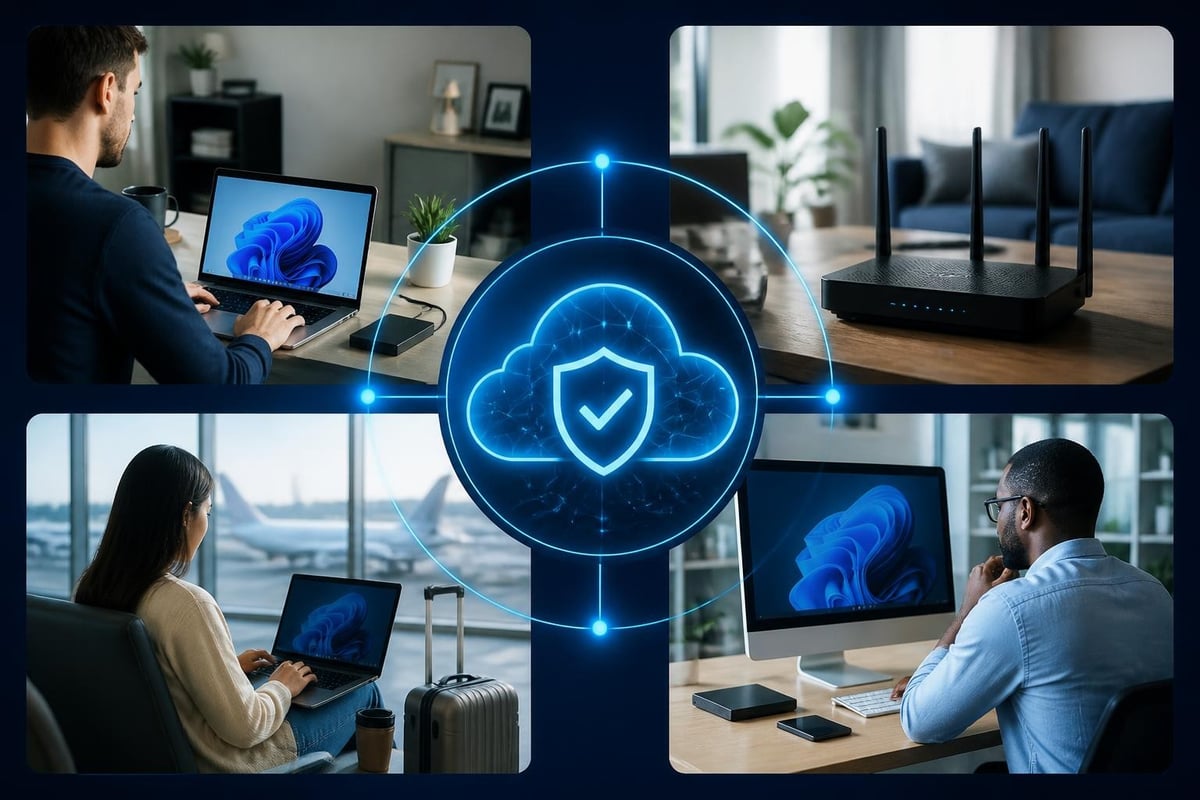
For businesses running Windows 11 across their operation, endpoint security that travels with the device provides consistent protection regardless of location. Monitoring network threats involving Wi-Fi, USB, and Bluetooth helps you maintain visibility when workers aren't on your office network.
Cloud security requires understanding shared responsibility: your cloud provider secures the infrastructure, but you're responsible for access controls, data protection, and configuration. Don't assume cloud automatically means secure.
Compliance and regulatory considerations
Depending on your industry and location, internet security in business may involve regulatory compliance requirements.
Understanding your obligations
Industry-specific regulations may apply: healthcare businesses face HIPAA requirements, financial services must address PCI-DSS for payment data, and any business handling EU residents' data must consider GDPR.
Regional data protection laws vary. South African businesses should understand the Protection of Personal Information Act (POPIA), while US businesses may face state-specific requirements like California's CCPA.
Contractual obligations often require specific security measures. Clients may require security certifications, insurance coverage, or audit rights as conditions of doing business.
Cyber insurance
Cyber insurance can help manage financial risk, but policies vary significantly in coverage, exclusions, and requirements. The NAIC resources on cybersecurity provide regulator-level analysis of the cyber insurance market and coverage issues.
Insurers increasingly require:
- Regular software updates and patch management
- Multi-factor authentication implementation
- Employee security training programs
- Backup and recovery capabilities
- Incident response planning
Meeting these requirements improves your security posture regardless of insurance coverage.
Moving toward Zero Trust principles
Zero Trust is a security approach based on the principle "never trust, always verify". Instead of trusting everything inside your network perimeter, you verify every access request regardless of source.
For small and medium businesses, implementing full Zero Trust architecture may be impractical, but you can adopt key principles:
Verify explicitly: Always authenticate and authorize based on all available data points (user identity, location, device health, data sensitivity).
Use least-privilege access: Give users the minimum access they need. Limit the blast radius if credentials are compromised.
Assume breach: Design security controls assuming attackers are already in your environment. Monitor for lateral movement and unusual activity patterns.
The NIST guidance on Zero Trust Architecture (SP 800-207) provides foundational definitions and deployment models for businesses considering this approach.
Measuring and improving your security posture
Internet security in business is not a one-time project but an ongoing process of assessment and improvement.
Security metrics that matter
Track metrics that drive decision-making and improvement:
| Metric | What It Tells You | Target Range |
|---|---|---|
| Time to detect incidents | How quickly you identify problems | Minutes to hours |
| Time to contain incidents | Speed of response and isolation | Hours to days |
| Patch deployment time | How quickly you address vulnerabilities | Days to weeks |
| Employee training completion | Team awareness levels | 95-100% annually |
| Failed login attempts | Potential credential attacks | Monitor trends |
| Backup success rate | Recovery capability | 100% |
Regular security reviews
Conduct periodic reviews of your security posture:
Quarterly reviews should assess current threats, verify controls are functioning, review recent incidents, and update policies as your business evolves.
Annual assessments provide deeper analysis: vulnerability scanning, penetration testing (if budget allows), compliance verification, and strategic security planning.
Post-incident reviews after any security event help you understand what happened, what worked, what failed, and what changes will prevent recurrence.
Practical tools and approaches for Windows-based businesses
Many small businesses operate primarily on Windows 11 devices. This creates specific opportunities and considerations for internet security.
Built-in Windows security features provide baseline protection: Windows Defender, Windows Firewall, and BitLocker encryption. These are starting points, not complete solutions.
Network-level monitoring that runs on endpoints provides visibility without requiring dedicated network hardware or IT expertise. Monitoring connections, detecting suspicious behaviour, and alerting on threats helps you understand what's happening on your network.
Ransomware behaviour monitoring can detect encryption activity and allow rapid response before significant damage occurs. This complements traditional antivirus, which relies primarily on recognizing known threats.
Machine learning approaches like adaptive behaviour analysis help reduce false alarms by learning what normal activity looks like for each device and user. This makes alerts more actionable and reduces alert fatigue.
For businesses with Windows 11 across their operation, layered endpoint security provides practical protection without requiring an IT background. Clear alerts explaining what was detected and why help business owners make informed decisions about blocking threats or allowing legitimate activity.
The human element in internet security
Technology provides the tools, but people make the decisions that determine whether your business stays secure.
Security culture starts with leadership. When business owners and managers take security seriously, follow policies themselves, and support security initiatives, employees follow. When security is treated as an obstacle or checkbox exercise, it fails.
Empowerment and accountability go together. Give employees the authority to stop and report suspicious activity without waiting for management approval. Make security part of everyone's role, not just IT's responsibility.
Continuous improvement means learning from incidents (both your own and others'), adapting to new threats, and refining your approach based on experience. The threat landscape changes constantly; your security practices must evolve with it.
The Verizon Data Breach Investigations Report (DBIR) provides large-scale empirical analysis of breaches and incidents, helping you understand common attack vectors and business risk exposure based on real-world data.
Internet security in business requires ongoing attention, but you don't need an IT degree or enterprise budget to protect your operation effectively. Focus on understanding the threats you face, implementing layered controls that work together, building security awareness across your team, and planning for incident response. NetGuardian Pro provides network intrusion detection and prevention for Windows 11 businesses, with 14 detection modules monitoring network threats, ransomware behaviour monitoring, and clear alerts that help you understand and act on suspicious activity without requiring an IT background. The built-in VPN protects your workers when travelling, and the one-time purchase includes free updates and email support.
Related reading: Information Security Systems: A Practical 2026 Guide, Internet Security Companies: A 2026 Buyer’s Guide, Network Security IT: A Practical Guide for 2026.