
Internet Security Companies: A 2026 Buyer’s Guide
Choosing between internet security companies has become more difficult as threats evolve and vendors offer overlapping solutions. You need protection that makes sense for your situation, whether you're securing a home network, protecting a small business, or looking after devices while travelling. Understanding what different security vendors actually do, how their approaches differ, and which capabilities matter most will help you make a practical decision without getting lost in marketing claims or technical jargon.
What internet security companies actually protect
Internet security companies focus on different layers of your digital environment. Some specialize in traditional antivirus scanning, detecting known malware signatures on your hard drive. Others monitor network traffic, looking for suspicious connections, data exfiltration, or command-and-control communications that indicate an active breach.
The distinction matters because threats arrive through multiple channels. Endpoint protection scans files and applications on your device. Network security watches what your PC sends and receives over Wi-Fi, Ethernet, USB, and Bluetooth. Cloud-based services filter email, block malicious websites, and analyze threat intelligence from millions of users.
Modern attacks often bypass file-based detection entirely. Ransomware might arrive through a phishing email, execute in memory without writing to disk, encrypt your files within minutes, and communicate with attackers over encrypted channels. A single-layer solution will miss parts of this chain.
That's why many security-conscious users layer protections. Antivirus handles known malware and suspicious files. Network intrusion detection watches for unusual connections and behavior. A VPN encrypts traffic when you're on public Wi-Fi. Each layer covers gaps the others might miss.
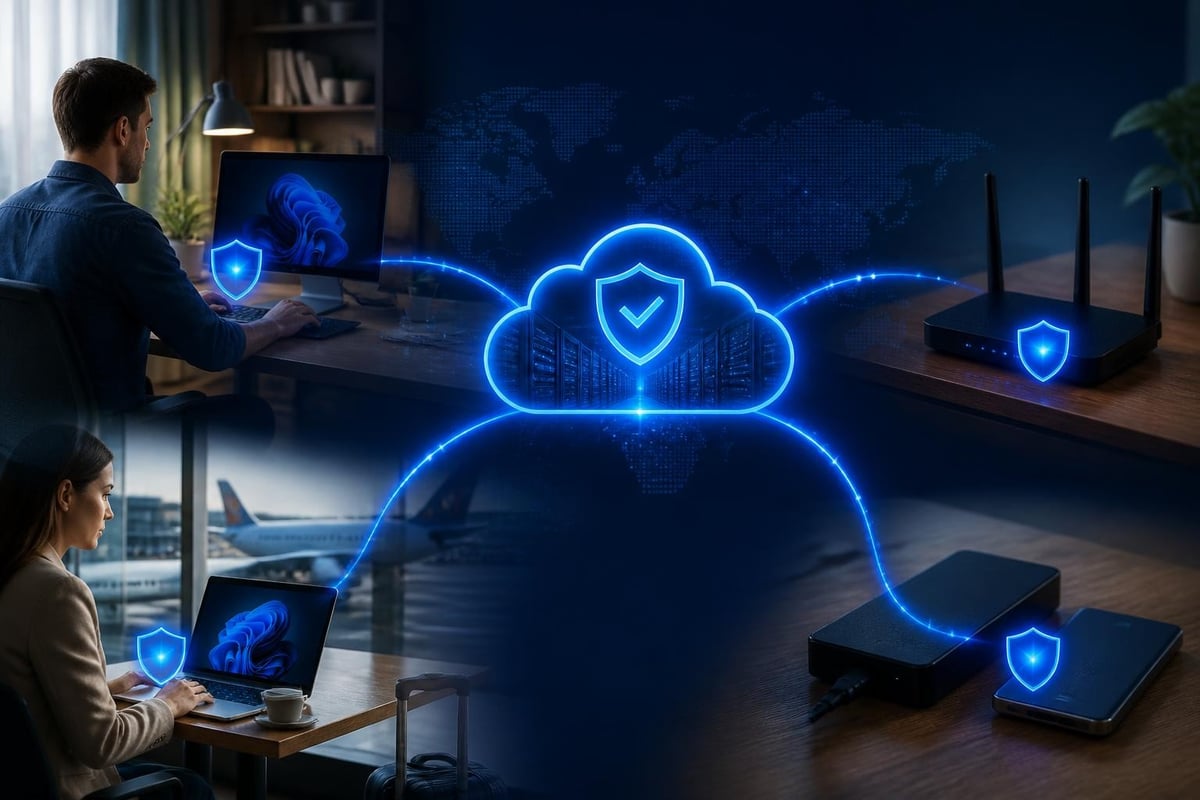
How to evaluate internet security companies
Start by identifying what you actually need to protect. Home users worry about ransomware, phishing, and identity theft. Small businesses add concerns about data breaches, compliance requirements, and employee device security. Travelers need protection on untrusted networks without slowing down legitimate work.
Features that signal real protection
Look for vendors that explain how their software detects threats, not just what it blocks. Signature-based scanning catches known malware but misses new variants. Behavioral analysis watches for suspicious actions like mass file encryption or unusual network connections. Threat intelligence compares your traffic against databases of known malicious IPs, domains, and indicators of compromise.
The MITRE ATT&CK framework maps adversary tactics and techniques across the attack lifecycle. Security companies that reference ATT&CK are showing you which stages of an attack their product addresses. This transparency helps you identify gaps and avoid vendors that only protect against certain threat types.
Clear, actionable alerts matter more than dashboards full of graphs. When your security software detects something suspicious, you need to know what happened, why it matters, and what you should do. Alerts that say "threat blocked" without context don't help you learn or improve your security posture.
Controls you can understand and use separate practical tools from security theater. You should be able to see which applications are connecting to the internet, block specific processes or domains, and isolate your PC from the network if you suspect compromise. These capabilities let you respond to threats without waiting for vendor support or specialized expertise.
Deployment and operational model
Consider how the software runs and where processing happens. Cloud-dependent solutions send your traffic through vendor servers, raising privacy questions and creating a single point of failure. Fully local solutions run on your device, giving you control but requiring sufficient system resources.
Some internet security companies bundle multiple products into suites. You might get antivirus, firewall, VPN, password manager, and parental controls in one package. This simplifies licensing but creates bloat. Evaluate whether you'll actually use every component and whether the suite slows down your system.
| Deployment model | Privacy | Performance | Offline capability | Complexity |
|---|---|---|---|---|
| Cloud-dependent | Vendor sees traffic | Variable latency | Fails offline | Simple setup |
| Hybrid (local + cloud threat intel) | Metadata only | Fast local decisions | Partial offline | Moderate |
| Fully local | Full user control | Uses local CPU/RAM | Works offline | Higher |
Pricing and support structure
Subscription models are common among internet security companies. You pay monthly or annually for continuous updates and support. This aligns vendor incentives with keeping you protected, but it also means ongoing costs and potential price increases.
One-time purchases are less common but still available. You pay once and receive updates for the product's supported lifecycle. This works well if you want predictable costs and don't need hand-holding. Make sure "free updates" actually means security updates, not just bug fixes.
Support matters when threats are active. Email support within 24 hours is standard. Live chat or phone support costs more but helps during incidents. Check whether support is included or requires a separate contract.
Evaluating vendor claims and marketing
Internet security companies often claim to block "99.9% of threats" or offer "military-grade encryption." These phrases sound impressive but mean little without context. 99.9% of what, measured how, and against which threat model? Military-grade usually just means AES-256, which is standard practice.
Look for vendors that reference independent testing. AV-Comparatives, AV-TEST, and NSS Labs run standardized evaluations of security products. These tests aren't perfect, but they provide third-party validation of detection rates, false positives, and performance impact.
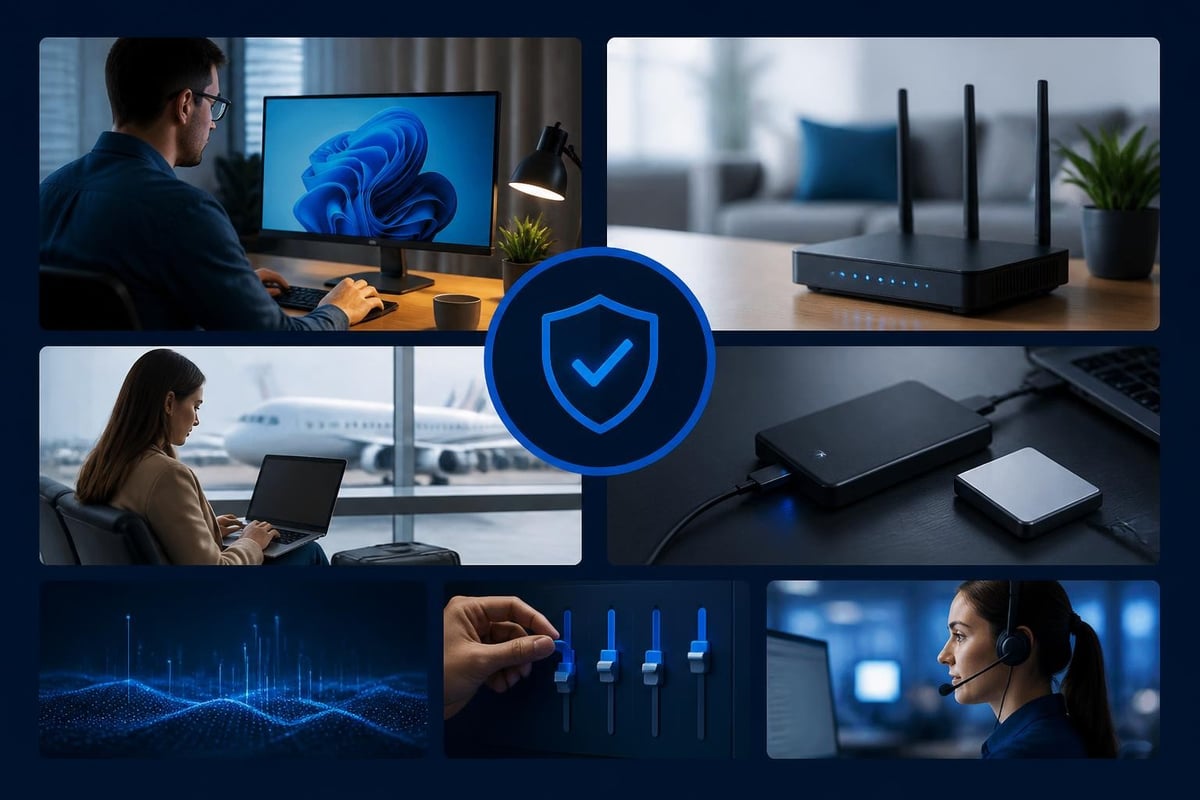
Be skeptical of "zero-day protection" claims. True zero-day exploits are rare and typically targeted. What vendors usually mean is behavioral detection that might catch unknown variants of known attack patterns. This is valuable, but it's not the same as protecting against sophisticated, targeted attacks.
Understanding false positives and tuning
Every security product generates false alarms. Aggressive detection catches more threats but flags legitimate software. Permissive settings reduce interruptions but might miss subtle indicators of compromise.
The best internet security companies provide tuning mechanisms so you can adapt detection to your environment. Whitelisting lets you approve known-good applications and connections. Learning modes observe your normal activity to establish baselines, reducing false alarms over time without manual configuration.
Ask how the product handles false positives. Can you review and approve blocked items? Does the software learn from your decisions? Will updates reset your customizations? These operational details affect whether you'll actually use the product long-term or disable it out of frustration.
Industry frameworks and compliance considerations
Small businesses and professionals often need to demonstrate security due diligence for insurance, contracts, or regulations. Understanding how vendors map to recognized frameworks helps you show you're taking reasonable precautions.
The NIST Cybersecurity Framework provides a common language for discussing cybersecurity risk. It organizes activities into Identify, Protect, Detect, Respond, and Recover. When evaluating internet security companies, consider which functions their product supports.
Endpoint detection and response (EDR) tools cover detection and parts of response. Vulnerability scanners support the identify function. Backup solutions enable recovery. No single product does everything, so you'll likely need multiple tools or a platform that integrates several functions.
For small businesses, the CIS Controls offer a prioritized list of security measures. The first five "implementation groups" apply to organizations of all sizes and include inventory of devices, configuration management, data protection, account management, and log monitoring. These controls guide you toward foundational security before investing in advanced capabilities.
Emerging threats and vendor adaptation
The threat landscape shifts constantly. The ENISA Threat Landscape 2025 report highlights current trends including ransomware-as-a-service, supply chain attacks, and exploitation of remote access tools. Internet security companies that publish threat intelligence and update their detection logic regularly show they're tracking real-world attacker behavior.
Ransomware remains a top concern for home users and small businesses. Modern variants encrypt files rapidly, delete shadow copies, and demand payment in cryptocurrency. Effective protection requires behavioral monitoring that detects mass encryption activity, network blocking to prevent communication with attacker infrastructure, and rapid response capabilities like PC isolation.
Protecting remote and mobile users
Remote work and travel expose devices to untrusted networks. Coffee shop Wi-Fi, hotel connections, and public hotspots lack enterprise security controls. Attackers use these networks for man-in-the-middle attacks, credential harvesting, and malware distribution.
A VPN encrypts your traffic so others on the network can't intercept it. Some internet security companies include VPNs in their suites. Standalone VPN services give you more flexibility but add another subscription. Look for modern protocols like WireGuard that balance security with performance.
Network intrusion detection complements VPNs by monitoring for suspicious connections even when traffic is encrypted. It can spot unusual destinations, detect malware beaconing home, and alert you to devices attempting to communicate over non-standard ports or protocols.
Practical considerations for different user types
Your situation determines which features matter most. Home users prioritize ease of use and family protection. Small businesses need centralized management and compliance support. Frequent travelers require portable protection that works across networks without constant configuration.
Home users and families
For homes, protection should cover ransomware, phishing, and malicious websites. You want software that doesn't require constant attention but gives you clear alerts when something needs action. Parental controls help manage children's internet access and teach responsible online behavior.
When choosing internet security companies for family use, consider whether the product scales across multiple devices and users without multiplying costs. Some vendors charge per device; others offer household licenses covering all family PCs and mobile devices.
If you're looking for focused parental control on Android devices, NetGuardian’s Android parental control app supports a family approach to safer phone use. It's designed for parents who want to take an active role in guiding children as they explore the online world, complementing device protection with conversation and shared responsibility.

Small businesses and professionals
Small businesses face similar threats to home users but with higher stakes. A ransomware infection can shut down operations for days. Data breaches trigger notification requirements and damage client trust. Security incidents consume time you'd rather spend on your actual business.
Business-focused internet security companies often include centralized management consoles, policy enforcement, and reporting for compliance. These features add cost and complexity, so evaluate whether you actually need them or if lightweight, per-device protection would suffice.
The CISA guidance on modern approaches to network access security explains zero trust principles and secure access service edge (SASE) architectures. While these frameworks target larger enterprises, the core ideas apply to small organizations: verify every connection, minimize trust assumptions, and protect data regardless of network location.
Travelers and remote workers
If you work from airports, hotels, and co-working spaces, your security needs differ from office-based users. You connect to untrusted networks multiple times per week. You need protection that's portable, doesn't require cloud connectivity, and won't lock you out when you're offline.
Look for software that runs entirely on your laptop without depending on cloud services for core functions. Threat intelligence can pull from the cloud when available, but detection and blocking should work offline. This ensures you're protected even when network conditions are poor or you're deliberately disconnected.
Understanding performance and resource impact
Security software uses CPU, memory, and network bandwidth. Aggressive scanning can slow down file operations. Constant network monitoring increases battery drain on laptops. Some internet security companies optimize for performance; others prioritize detection at the cost of system resources.
Check independent performance benchmarks. AV-TEST and similar labs measure system impact during file operations, web browsing, and application launches. A 5% slowdown is barely noticeable; a 25% impact will frustrate you daily.
| Performance factor | What it affects | Questions to ask |
|---|---|---|
| CPU usage | System responsiveness | Does scanning throttle when you're actively working? |
| Memory footprint | Multitasking capacity | How much RAM does the software reserve? |
| Disk I/O | File operations | Does real-time scanning delay file opens/saves? |
| Network overhead | Bandwidth and latency | Does traffic inspection slow downloads or streaming? |
Modern security products should be lightweight. Multi-core processors and SSDs reduce the visible impact, but poor optimization still creates lag. Look for vendors that publish performance data and offer tuning options for resource-constrained systems.
Integration with existing security tools
You probably already use antivirus software, firewalls, and browser security extensions. New internet security companies should complement these tools, not conflict with them. Overlapping capabilities waste resources; incompatible products can break both tools.
Network intrusion detection works alongside antivirus because they protect different layers. Antivirus scans files and applications; network monitoring watches connections and traffic patterns. These functions complement each other and rarely interfere.
Multiple antivirus products on one PC usually conflict. They compete to scan files, quarantine threats, and hook into the operating system. This creates performance problems and can prevent either product from functioning correctly. Choose one primary antivirus and supplement it with tools that cover different threat vectors.
When evaluating layered security, confirm that the vendor explicitly states compatibility with other protection software. The best internet security companies design their products to coexist with industry-standard tools rather than demanding exclusive system access.
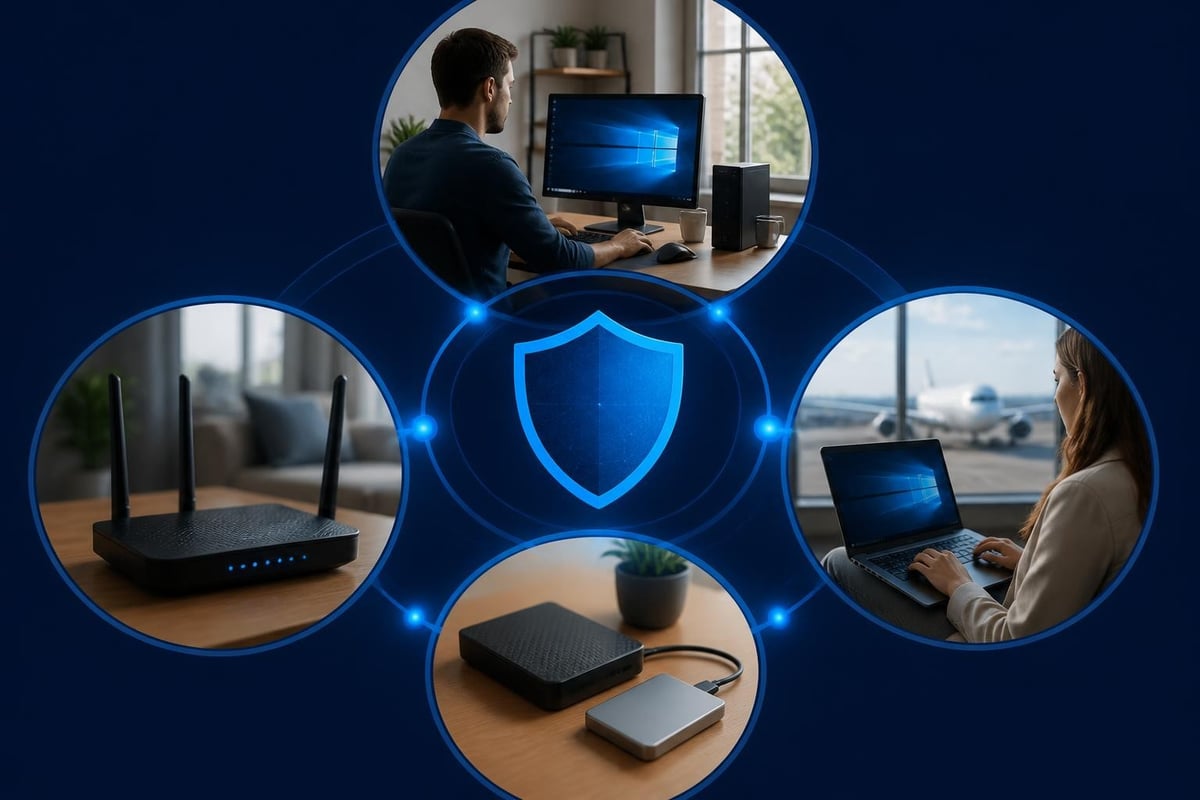
Making your decision
Start by listing your specific concerns. Are you worried about ransomware encrypting family photos? Business data leaving your network? Attackers exploiting public Wi-Fi during travel? Your threat model determines which features you need and which are nice-to-have.
Test before committing. Many internet security companies offer trials or money-back guarantees. Install the software on a representative system and use it for your actual work. Check whether alerts are understandable, controls are accessible, and performance impact is acceptable.
Read privacy policies carefully. Security products see your network traffic, application usage, and browsing behavior. Understand what data the vendor collects, whether it's anonymized, and if it's sold to third parties. Some companies fund free tiers by monetizing user data; paid products should respect your privacy.
Compare total cost over three years, not just initial price. A $30 annual subscription costs $90 over three years plus potential price increases. A $120 one-time purchase with free updates costs exactly that. Factor in your likelihood of switching products, need for support, and preference for predictable versus recurring costs.
Internet security companies offer a wide range of protection strategies, from signature-based scanning to behavioral analysis and network monitoring. The right choice depends on your specific threats, technical comfort, and operational needs. NetGuardian Pro provides network intrusion detection for Windows 11 PCs with 14 detection modules covering Wi-Fi, USB, and Bluetooth connections, ransomware behavior monitoring, and a built-in VPN for travel-designed so you can understand threats and act on them without an IT background.
Related reading: Network Security Companies: A 2026 Buyer’s Guide, Internet Security in Business: A Practical 2026 Guide, Information Security Business Guide for 2026.