Information Security Systems: A Practical 2026 Guide
Information security systems form the backbone of modern digital defence. Whether you're protecting your home office, running a small business, or travelling with a laptop full of sensitive data, understanding how these systems work helps you make informed decisions about your digital safety. These systems have evolved significantly over the past few years, moving beyond simple antivirus scanning to comprehensive protection that monitors network activity, detects suspicious behaviour, and responds to threats in real time.
What information security systems actually do
An information security system is a coordinated set of controls, technologies, and processes designed to protect your data, devices, and network connections from unauthorized access, theft, or damage. These systems don't rely on a single tool. Instead, they combine multiple layers of protection that work together to reduce risk.
Core functions include:
- Monitoring network traffic and connections
- Detecting unusual or malicious behaviour
- Controlling access to sensitive information
- Responding to security incidents
- Maintaining logs and records for review
Think of information security systems as a combination of locks, alarms, and monitoring cameras for your digital environment. Just as you wouldn't rely solely on a door lock to protect your home, you shouldn't depend on a single security tool to protect your devices and data.
How layered security works in practice
Modern information security systems use defence in depth. This means multiple security controls protect the same asset, so if one fails, others remain active. For a Windows 11 laptop, this might include firewall rules, intrusion detection, application controls, and behaviour monitoring working simultaneously.
The NIST Risk Management Framework provides structured guidance on selecting and implementing security controls based on your specific risk profile. While originally developed for government agencies, these principles apply equally to home users and small businesses who need practical protection.
Building blocks of effective information security systems
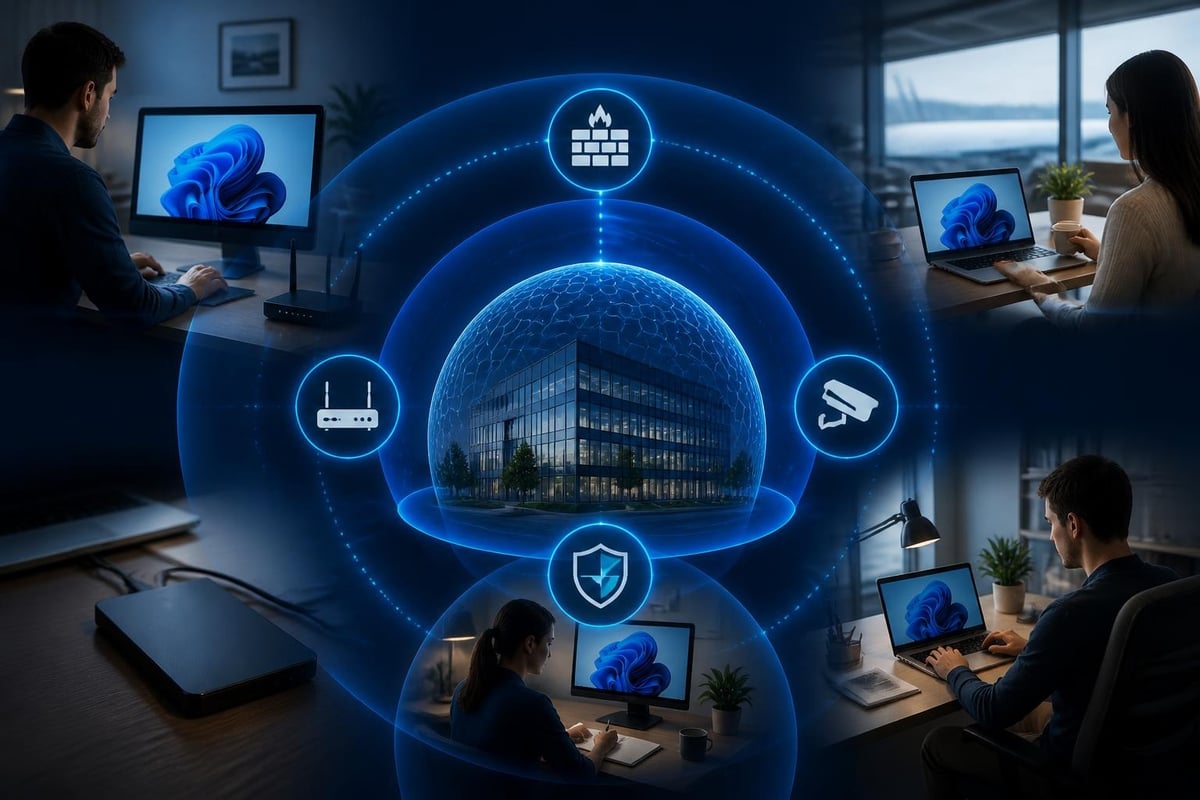
Information security systems comprise several interconnected components. Understanding each part helps you evaluate whether your current protection covers the areas that matter most.
| Component | Purpose | Example Technologies |
|---|---|---|
| Perimeter controls | Block threats at network boundaries | Firewalls, secure routers, VPNs |
| Endpoint protection | Protect individual devices | Antivirus, behaviour monitoring, application control |
| Network monitoring | Detect suspicious activity | Intrusion detection, traffic analysis |
| Access management | Control who can access what | Passwords, two-factor authentication, permissions |
| Data protection | Safeguard information itself | Encryption, backup, secure deletion |
Network intrusion detection and prevention
Network intrusion detection monitors your connections for signs of malicious activity. Unlike antivirus software that scans files, intrusion detection examines network traffic patterns, connection attempts, and data transfers.
For Windows 11 users, this protection runs continuously in the background. It watches Wi-Fi connections, USB devices, and Bluetooth links for behaviour that suggests an attack, malware communication, or unauthorized data transfer.
The MITRE ATT&CK framework documents real-world adversary techniques, helping information security systems recognize how attackers actually operate. This knowledge base informs detection logic, ensuring systems can spot both known threats and suspicious patterns that suggest new attack methods.
Behaviour-based detection reduces blind spots
Traditional signature-based detection identifies known threats by matching them against a database. Behaviour-based detection goes further, identifying suspicious activity even when the specific threat is new or unknown.
Behaviour monitoring looks for patterns such as:
- Applications making unexpected network connections
- Unusual data transfer volumes or destinations
- Processes attempting to encrypt files rapidly
- Programs trying to disable security tools
- Devices connecting from unexpected locations
This approach is particularly valuable against ransomware, which often exhibits distinctive behaviour even when the specific variant hasn't been seen before.
Threat intelligence and staying current
Information security systems remain effective only when they understand current threats. Threat intelligence feeds provide continuous updates about new attack techniques, malicious IP addresses, compromised domains, and emerging vulnerabilities.
Quality threat intelligence separates noise from genuine risk. Home users and small businesses benefit most from curated feeds that focus on widespread threats likely to affect them, rather than exhaustive lists designed for enterprise security teams.
The ENISA Threat Landscape 2024 offers valuable insight into current threats affecting individuals and organizations across Europe, with many findings applicable globally. Ransomware, phishing, and attacks targeting remote workers remain prominent concerns in 2026.
Machine learning and reducing false alarms
Early intrusion detection systems generated overwhelming numbers of alerts, many of them false positives. Modern information security systems use machine learning to understand what's normal for your specific environment.
By learning your typical network activity, connection patterns, and application behaviour, these systems can distinguish between legitimate activity and genuine threats more accurately. This reduces alert fatigue and helps you focus attention on risks that actually matter.
Practical implementation for different scenarios
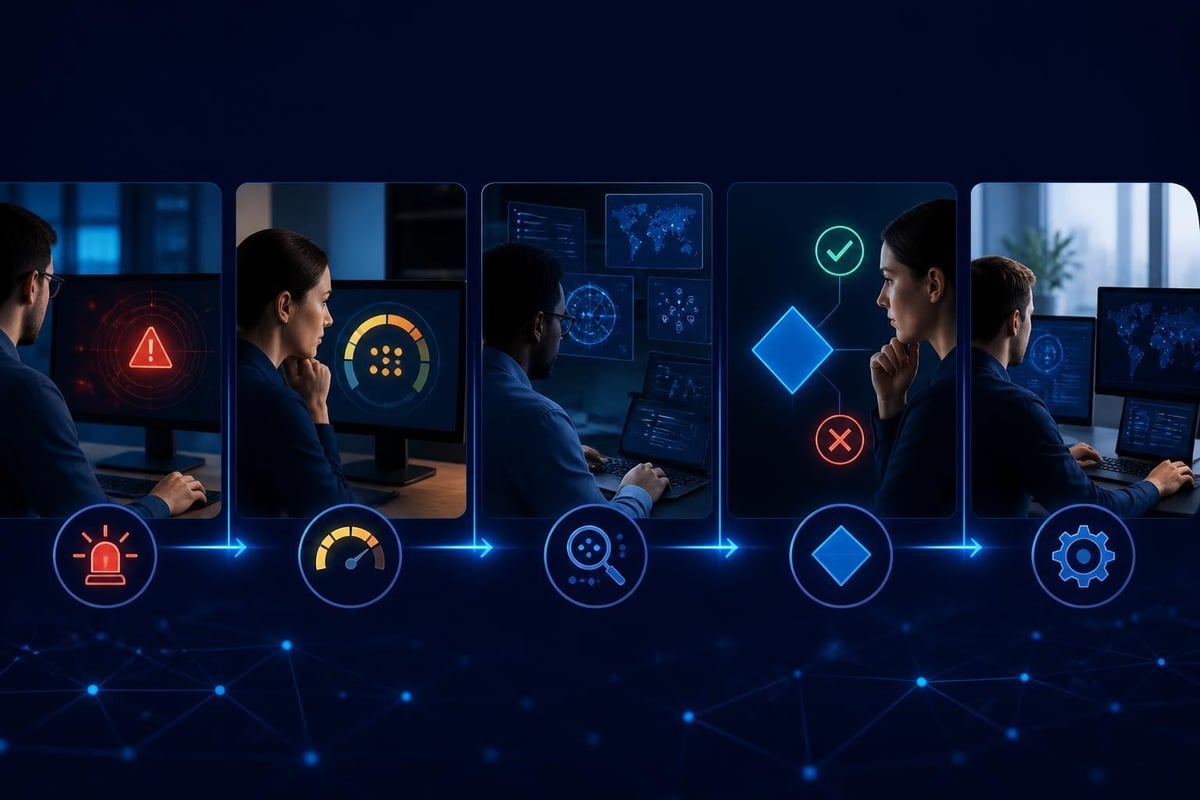
Information security systems need to fit your specific situation. Protection requirements differ significantly between a family laptop, a small business network, and a device used for international travel.
Home users and families
Home environments need protection that works without constant technical intervention. Information security systems for home use should provide clear alerts you can understand and act on, even without an IT background.
Key priorities include:
- Ransomware protection – Behaviour monitoring that catches encryption attempts before significant damage occurs
- Network monitoring – Visibility into what devices and applications are doing on your network
- Travel security – VPN protection when using public Wi-Fi at cafes, airports, or hotels
- Simple controls – The ability to block suspicious connections or isolate your PC when threatened
For families, consider how your information security systems protect children's devices as well. While parental controls address age-appropriate content and screen time, security monitoring catches threats targeting any family member's device.
Small business considerations
Small businesses face the same threats as large organizations but typically lack dedicated IT security staff. Information security systems for small business should provide strong protection without requiring full-time management.
The CIS Critical Security Controls v8 prioritizes practical defensive measures. The first six controls address fundamental security hygiene – inventory of assets, software management, data protection, secure configuration, account management, and access control – areas where small businesses can achieve significant risk reduction.
| Business Size | Priority Controls | Implementation Approach |
|---|---|---|
| Solo/freelance | Endpoint protection, VPN, backups | Software that runs on your device |
| 2-10 employees | Above plus network monitoring, central visibility | Coordinated protection across devices |
| 10-50 employees | Above plus access management, incident response plan | Designated person responsible for security |
Protection while travelling
Travellers face elevated risks. Public Wi-Fi networks, hotel internet connections, and even compromised charging stations can expose your device to attack. Information security systems for travel need to work reliably anywhere, even when you can't control the network environment.
A built-in VPN creates an encrypted tunnel for your internet traffic, protecting your data even on untrusted networks. Network intrusion detection remains valuable on the road, alerting you to connection attempts or suspicious activity that might indicate a compromised network.
Travellers in regions with specific cybersecurity concerns, such as parts of South Africa or when crossing international borders, benefit from the ability to quickly isolate their PC if they detect suspicious activity, preventing potential data theft or malware installation.
Integration with existing security tools
Information security systems work best when properly integrated with your other security measures. They should complement rather than conflict with existing protections.
Relationship with antivirus software
Antivirus software scans files and applications for known malware. Information security systems monitor network activity and behaviour. These approaches address different attack vectors and work together effectively.
You need both because attackers use multiple techniques. Malware might arrive via email attachment (detected by antivirus) but then attempt to communicate with a command-and-control server (detected by network monitoring). A comprehensive information security approach uses multiple defensive layers.
Complementary protection includes:
- Antivirus – Scans files, email attachments, downloads
- Network intrusion detection – Monitors connections and traffic
- Firewall – Controls which programs can access the network
- Behaviour monitoring – Watches for suspicious activity patterns
- VPN – Encrypts traffic on untrusted networks
Clear alerts and actionable information
The best information security systems explain what they've detected in language you can understand. Instead of cryptic technical messages, effective alerts tell you what happened, why it matters, and what actions you can take.
When your system detects a suspicious connection attempt, you should be able to quickly understand whether it's a genuine threat or a false alarm, then block the connection, allow it, or investigate further as appropriate.
Incident response and recovery
Even with strong information security systems in place, you should prepare for the possibility of a security incident. Having a basic response plan reduces confusion and damage when something does go wrong.
Essential incident response steps
- Detect and confirm – Verify the alert represents a genuine incident
- Contain the threat – Isolate affected devices to prevent spread
- Investigate – Understand what happened and what was affected
- Remediate – Remove the threat and restore normal operation
- Learn – Update your defences based on what you learned
The SANS guidance on incident response playbooks provides practical frameworks for preparing and executing response activities. While designed for security teams, the core principles apply to individual users and small businesses.
PC isolation as an emergency measure
When your information security systems detect serious threats, the ability to immediately isolate your PC from the network can prevent data theft, stop malware from spreading to other devices, and give you time to investigate without ongoing attack.
Isolation doesn't solve the problem, but it contains it. Once isolated, you can safely investigate what happened, remove any malware, and restore your system without risking further damage or allowing attackers to maintain access.
Secure communications and encryption
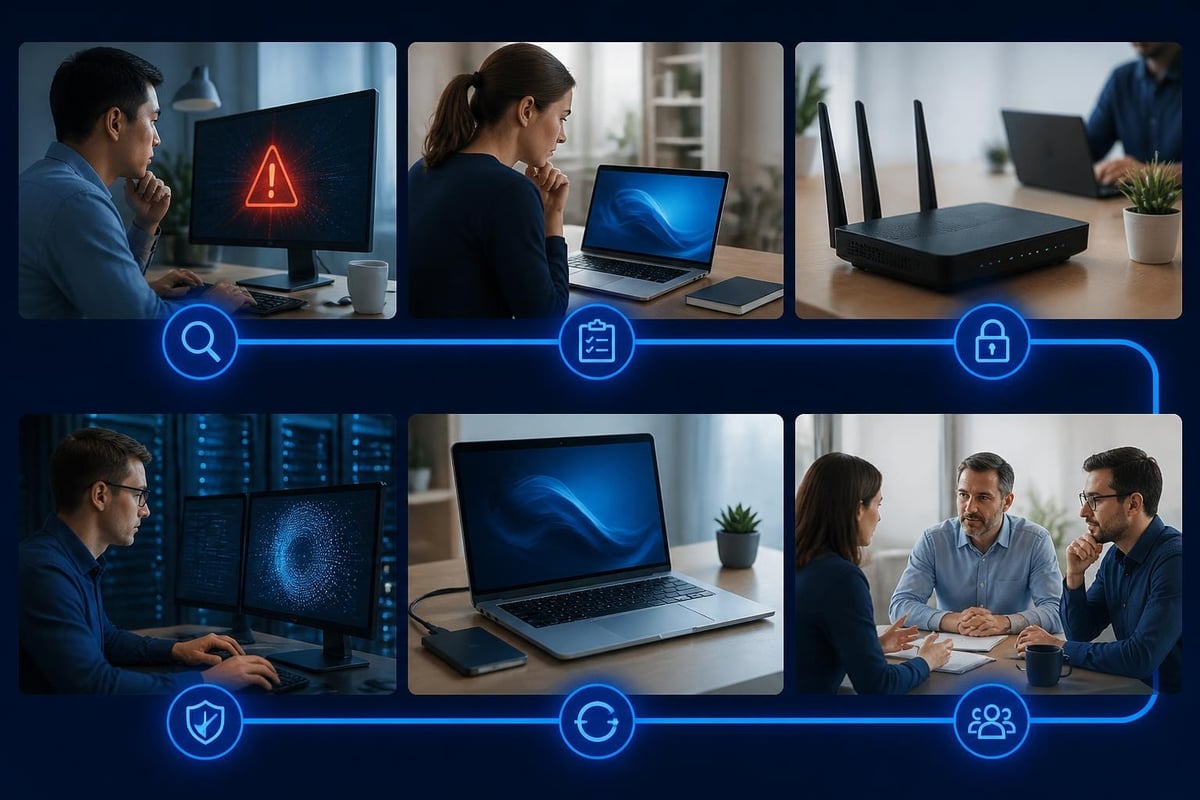
Information security systems increasingly incorporate encrypted communications to protect data in transit. As more work happens remotely and people access sensitive information from various locations, encryption becomes essential rather than optional.
The TLS 1.3 specification represents the current standard for secure communications. Modern browsers, email clients, and applications use TLS to encrypt connections, preventing eavesdropping and tampering.
VPN technology extends this protection to all network traffic. When you connect to a VPN, everything your device sends or receives travels through an encrypted tunnel, protecting you from network-level surveillance and attacks even on hostile networks.
Cost and value considerations
Information security systems represent an investment in protection. Understanding the cost structure and value proposition helps you make informed decisions.
Subscription versus one-time purchase
Many security products use subscription pricing, requiring ongoing monthly or annual payments. This model works well for vendors but can become expensive over time, particularly for families protecting multiple devices.
One-time purchase options eliminate recurring costs. You pay once and receive updates and support included, making long-term costs more predictable. For budget-conscious home users and small businesses, this model often provides better value.
| Pricing Model | Advantages | Considerations |
|---|---|---|
| Subscription | Lower initial cost, automatic updates | Ongoing expense, requires renewal |
| One-time purchase | No recurring fees, predictable cost | Higher upfront investment |
| Freemium | Free basic features | Limited functionality, may include ads |
Calculating the value of protection
The value of information security systems isn't just about preventing dramatic incidents. Most value comes from quiet, continuous protection that prevents smaller incidents from becoming serious problems.
Consider what data loss, identity theft, or ransomware infection would cost you in time, money, and stress. For small businesses, include potential downtime, customer notification obligations, and reputation damage. Quality information security systems typically cost far less than recovering from a single serious incident.
Looking ahead: information security in 2026 and beyond
Information security systems continue evolving as threats change and technology advances. Several trends are shaping protection in 2026 and will influence systems in coming years.
Emerging patterns include:
- Increased use of AI in both attacks and defences
- Greater focus on supply chain security
- Enhanced protection for remote and hybrid work
- Integration of security into everyday tools rather than separate applications
- Improved user interfaces that make security accessible to non-technical users
Staying current doesn't require chasing every new technology. Focus on information security systems that cover fundamental protections well, receive regular updates, and come from providers committed to ongoing improvement.
Choosing information security systems that fit your needs
With countless security products available, selection can feel overwhelming. Focus on your actual requirements rather than comprehensive feature lists you'll never use.
Questions to guide your decision
What are you protecting? Personal data, business information, customer records, or family photos each have different risk profiles and protection needs.
What threats concern you most? Ransomware, data theft, surveillance, or phishing attacks require different defensive approaches.
What's your technical comfort level? Choose information security systems that match your ability to understand alerts and take action without requiring specialized knowledge.
What's your budget? Include both initial costs and ongoing expenses when comparing options.
Do you travel frequently? VPN protection and portable security that works anywhere become essential.
Essential features for practical protection
Regardless of your specific situation, effective information security systems should provide several core capabilities:
- Real-time network monitoring and threat detection
- Clear, understandable alerts
- Simple controls to block threats or isolate your device
- Protection across Wi-Fi, wired connections, USB, and Bluetooth
- Regular updates incorporating current threat intelligence
- Behaviour-based detection to catch new threats
For Windows 11 users specifically, look for information security systems designed to work alongside Windows Defender and other built-in protections rather than conflicting with them.
NetGuardian Pro delivers exactly this type of practical protection. Its 14 detection modules monitor your Windows 11 PC's network connections continuously, watching for threats across all connection types. When something suspicious happens, you receive clear alerts explaining what was detected and what actions you can take.
Information security systems provide essential protection in our connected world, but they work best when they fit your specific needs and you understand how to use them. The most effective approach combines multiple defensive layers, stays current with threat intelligence, and provides clear visibility into what's happening on your network. Whether you're protecting a family laptop, running a small business, or travelling internationally, the right information security systems give you both protection and peace of mind. NetGuardian Pro offers comprehensive network intrusion detection for Windows 11, with 14 detection modules, ransomware monitoring, and a built-in VPN to keep you protected at home and on the road.
Related reading: Cyber Intelligence Feeds: A Practical Guide for 2026, Network Security IT: A Practical Guide for 2026, Internet Security in Business: A Practical 2026 Guide.