What is Cyber Security? (Windows 11 Users Guide)
When you connect your Windows 11 laptop to Wi-Fi at home, plug in a USB drive, or check email while travelling, you're interacting with systems that need protection. Understanding whatis cyber security helps you recognise when something suspicious happens on your network and what steps you can take to stay safe. Cyber security is the practice of protecting your computers, networks, and data from unauthorised access, damage, or theft. For most Windows 11 users in homes and small businesses, this means watching for unusual network activity, blocking threats before they cause harm, and knowing how to respond when alerts appear.
Why cyber security matters for Windows 11 users
Your Windows 11 PC connects to the internet dozens of times each day, often without you noticing. Each connection creates an opportunity for attackers to probe your system, inject malware, or steal information.
Cyber security protects three essential things:
- Your personal and business data – files, photos, passwords, financial records, customer information
- Your device functionality – preventing ransomware from locking you out or malware from slowing performance
- Your network connections – stopping unauthorised devices or people from accessing your home or office network
The ENISA Threat Landscape 2024 shows that ransomware, phishing, and network intrusion remain the top threats across Europe and beyond. These same threats affect Windows users in South Africa and the United States every day.
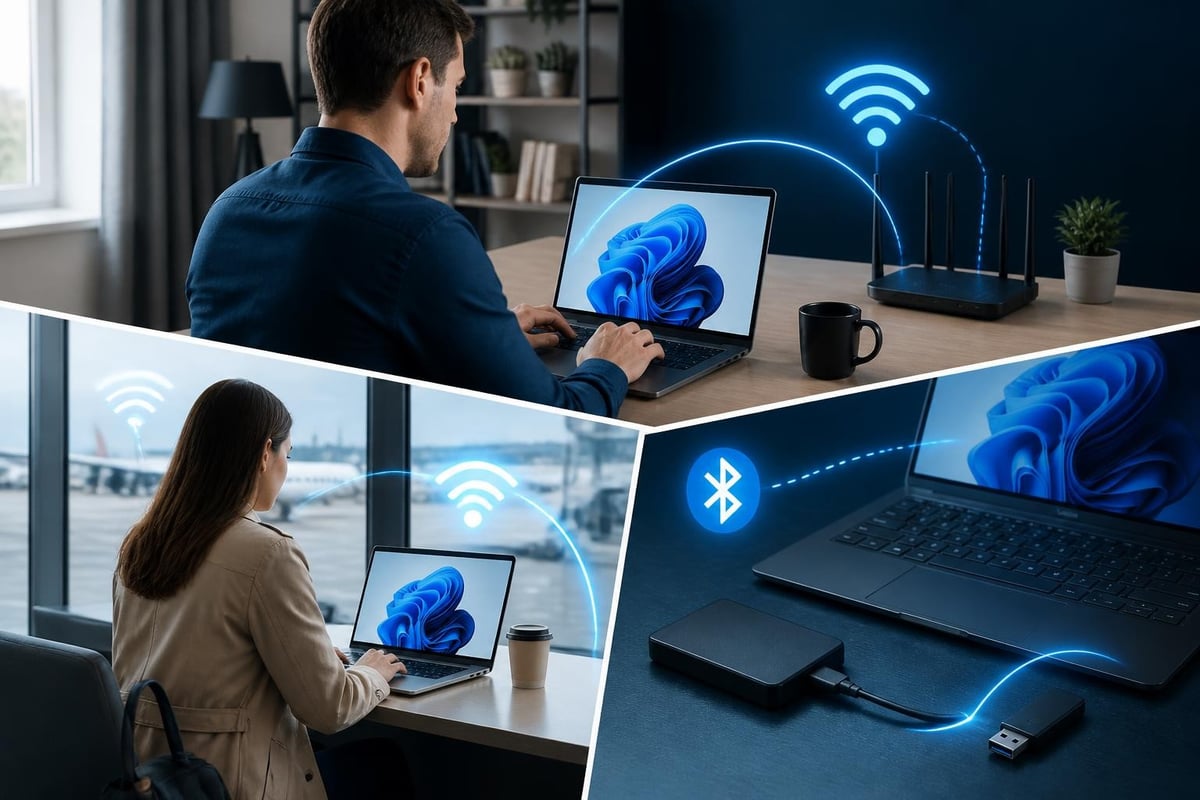
When someone searches "whatis cyber security," they often want practical protection, not academic definitions. You need to know what's happening on your network, which connections are normal, and how to block the suspicious ones.
Real threats that target everyday users
Attackers don't just go after large corporations. Home users and small businesses face constant scanning and probing.
| Threat type | How it works | What you notice |
|---|---|---|
| Ransomware | Encrypts your files and demands payment | Files become locked, ransom note appears |
| Network intrusion | Unauthorised access to your Wi-Fi or network | Unknown devices, slow speeds, unusual traffic |
| Phishing | Fake emails or messages trick you into sharing credentials | Requests for passwords, urgent payment demands |
| USB malware | Infected USB drives run code when plugged in | Unexpected pop-ups, new files appearing |
According to the Verizon Data Breach Investigations Report, 74% of breaches involve a human element, including social engineering and errors. Understanding whatis cyber security means recognising that technical tools work best when you know what to look for.
The core components of cyber security
Cyber security isn't a single product or action. It's a combination of tools, practices, and awareness working together.
Detection and monitoring
You can't protect against threats you can't see. Detection systems watch your network connections in real time, looking for patterns that indicate an attack.
Effective detection monitors:
- Incoming and outgoing network traffic on Wi-Fi, Ethernet, Bluetooth, and USB
- Connection attempts from unknown IP addresses or devices
- Behaviour patterns that suggest ransomware or data theft
- Changes to system files or settings without your permission
For Windows 11 users who travel frequently or work from coffee shops, detecting suspicious activity on public Wi-Fi becomes critical. Your laptop might connect to a legitimate network, but an attacker on the same network could attempt lateral movement or packet sniffing.
Prevention and blocking
Detection alone isn't enough. Once you identify a threat, you need the ability to stop it immediately.
Prevention controls include blocking malicious IP addresses, isolating your PC from the network during an active attack, and stopping unauthorised applications from making network connections. The CIS Controls v8 framework emphasises these defensive safeguards as fundamental security practices.
Response and recovery
Even with strong detection and prevention, you need a plan for when something gets through. Response includes understanding alert messages, deciding whether to block a connection, and knowing when to isolate your device completely.
Recovery means having backups of important files, knowing how to restore your system, and documenting incidents so you can prevent similar attacks in future.
How cyber security protects home networks
Your home network connects laptops, phones, smart TVs, printers, and other devices. Each one represents a potential entry point for attackers.
When you ask whatis cyber security in a home context, you're really asking how to keep your family's devices and data safe without becoming a network administrator.
Home network security focuses on:
- Router configuration – changing default passwords, enabling WPA3 encryption, hiding your SSID if needed
- Device monitoring – knowing which devices connect to your network and when
- Segmentation – separating guest Wi-Fi from your main network
- Update management – keeping Windows 11 and all applications current with security patches
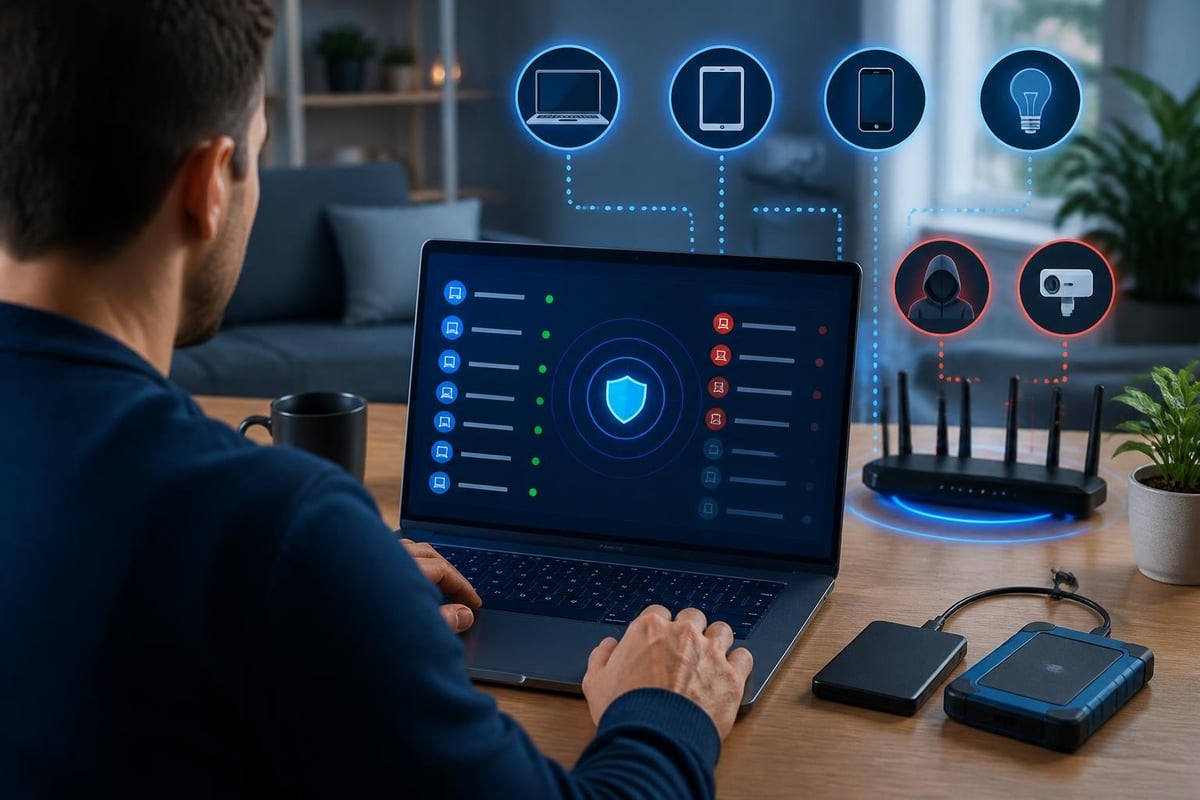
Many home users discover they have unknown devices on their network only after running a scan. These could be old phones you forgot about, or they could be unauthorised connections from neighbours or attackers.
Recognising normal versus suspicious activity
Understanding your network's baseline behaviour helps you spot anomalies. Normal activity might include your laptop connecting to Microsoft update servers, streaming services, or your work VPN. Suspicious activity includes connection attempts to unknown foreign IP addresses, especially at unusual times, or sudden spikes in outbound data transfer.
Small businesses face similar challenges but often have more devices and less time to monitor them. You might have employee laptops, a file server, network printers, and security cameras all sharing one network. Without monitoring, you won't know when a compromised device starts scanning for vulnerabilities or exfiltrating customer data.
Protection for Windows 11 specifically
Windows 11 includes built-in security features like Windows Defender, firewall rules, and SmartScreen filtering. These provide a foundation, but they focus primarily on antivirus scanning and basic firewall blocking.
Network-level protection requires monitoring the connections your PC makes, regardless of which application initiates them. This is where whatis cyber security becomes a question about layers of defence.
Windows 11 users benefit from:
- Application-level monitoring – tracking which programs make network connections
- Protocol analysis – understanding whether connections use secure encryption
- Threat intelligence – comparing connection destinations against known malicious IP databases
- Behaviour analysis – learning your normal patterns to reduce false alarms when legitimate applications behave unexpectedly
For example, NetGuardian Pro runs 14 detection modules directly on your Windows 11 PC, monitoring Wi-Fi, USB, and Bluetooth connections for threats that traditional antivirus might miss. It complements your existing antivirus by focusing on network intrusion detection and prevention, not file scanning. For a broader comparison of security tools for Windows 11 in 2026, see our guide to Best Rated Computer Security Solutions.
Ransomware behaviour monitoring
Ransomware typically arrives through phishing emails or malicious downloads, but once active, it exhibits specific network behaviours. It often contacts command-and-control servers, attempts to spread to other network devices, and encrypts files rapidly.
Monitoring for these behaviours provides an additional layer beyond signature-based antivirus scanning. You might catch an attack in progress before significant damage occurs.
Cyber security when travelling
Public Wi-Fi at airports, hotels, and coffee shops creates significant risk. You have no control over the network configuration, you don't know who else is connected, and attackers specifically target these locations.
When people ask whatis cyber security for travellers, they want to know how to work safely without avoiding public networks entirely.
VPN protection
A Virtual Private Network (VPN) encrypts all traffic between your laptop and the VPN server, preventing anyone on the public Wi-Fi from seeing your activity or injecting malicious content.
VPN benefits for travellers:
- Encrypted connections prevent eavesdropping
- Masked IP addresses protect your location
- Secure access to home or office networks while abroad
- Protection against man-in-the-middle attacks on public Wi-Fi
Modern VPN protocols like WireGuard provide strong encryption with minimal performance impact, making them practical for everyday use on Windows 11 laptops.
Local detection still matters
A VPN protects your internet traffic, but it doesn't prevent USB-based attacks, Bluetooth vulnerabilities, or local network scanning. Comprehensive protection requires both encrypted tunnelling and local threat detection.
You might connect your laptop to hotel Wi-Fi through a VPN, but if you then plug in a USB drive found in the lobby, you've bypassed that protection entirely.
Implementing practical cyber security
Reading about whatis cyber security helps, but implementation determines whether you're actually protected.
| Priority | Action | Why it matters |
|---|---|---|
| High | Enable automatic Windows updates | Patches fix known vulnerabilities attackers exploit |
| High | Use strong, unique passwords with a password manager | Prevents credential reuse across breaches |
| High | Monitor network connections actively | Detects intrusions before damage occurs |
| Medium | Segment your network (guest Wi-Fi separate) | Limits blast radius if one device is compromised |
| Medium | Back up critical files regularly to offline storage | Enables recovery without paying ransomware demands |
| Low | Review connected devices monthly | Identifies forgotten or unauthorised devices |
Start with high-priority actions and add others as you build confidence. You don't need to implement everything at once.
Understanding alerts and taking action
Security tools generate alerts, but those alerts only help if you understand what they mean and know how to respond. Clear, jargon-free explanations matter more than technical precision.
When an alert appears, you need to know:
- What connection or activity triggered it
- Whether it's likely legitimate or suspicious
- What action you can take (allow, block, isolate)
- Whether you need to investigate further
False alarms happen with any detection system. Learning your baseline helps you distinguish between unusual-but-legitimate activity and genuine threats. For more information about how network security tools fit into your overall protection strategy, visit the NetGuardian Secure homepage.
The difference between antivirus and network security
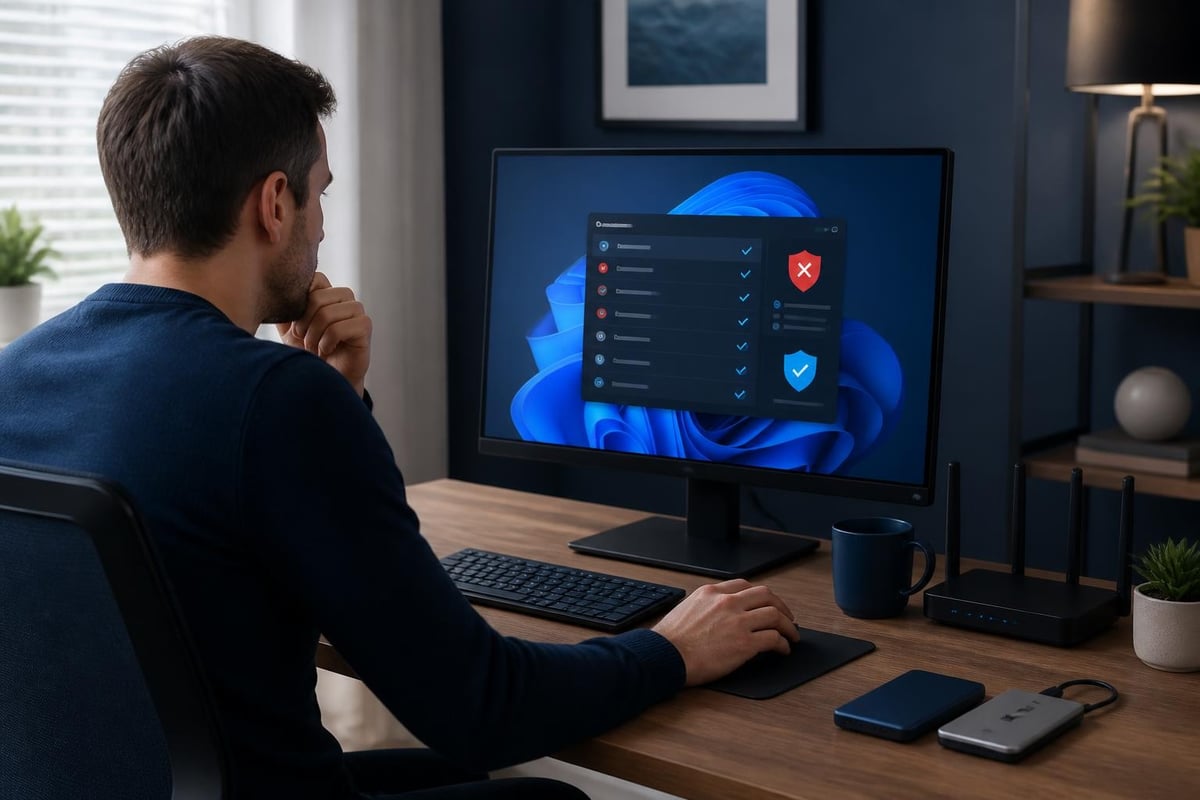
Many people assume whatis cyber security is answered by installing antivirus software. Antivirus is important, but it's only one component.
Antivirus focuses on:
- Scanning files for known malware signatures
- Blocking downloads from suspicious websites
- Quarantining infected files before they run
- Detecting malicious behaviour from running programs
Network security focuses on:
- Monitoring all network connections in real time
- Detecting intrusion attempts and unauthorised access
- Blocking malicious IP addresses and suspicious protocols
- Preventing data exfiltration through network channels
You need both. Antivirus catches threats at the file level; network security catches threats at the connection level. An attacker might bypass antivirus by using a zero-day exploit or encrypted payload, but network monitoring can still detect the suspicious connection attempt or data transfer.
Building cyber security awareness
Technical tools provide the foundation, but understanding creates resilience. When you know whatis cyber security and how attacks work, you make better decisions about which emails to open, which links to click, and which devices to trust.
Practical awareness skills:
- Recognising phishing attempts through suspicious sender addresses, urgent language, or unexpected attachments
- Verifying website authenticity before entering passwords or payment information
- Questioning unusual requests, even from apparent colleagues or family members
- Understanding that security is ongoing, not a one-time purchase
For small businesses, employee training reduces risk significantly. According to the NIST Cybersecurity Framework 2.0, awareness and training form a core function of effective cybersecurity programs. Even a single employee who understands basic security hygiene can prevent incidents that would otherwise compromise the entire network.
Staying current with emerging threats
The threat landscape evolves constantly. New vulnerabilities, attack techniques, and malware variants appear monthly. You don't need to become a security researcher, but following reputable sources helps you stay informed.
Microsoft publishes security updates and threat intelligence through their security blog. Industry organisations like the Cloud Security Alliance provide guidance on emerging threats and best practices. Reading these resources occasionally keeps you aware of new risks relevant to Windows 11 users.
Measuring your security posture
You can't improve what you don't measure. Assessing your current security helps you prioritise improvements and track progress over time.
Simple security assessment:
- List all devices on your network
- Check which devices have current security updates
- Review your backup strategy and test a restore
- Document your response plan for common scenarios (ransomware, lost laptop, suspicious email)
- Test your ability to detect and block a suspicious connection
This assessment doesn't require expensive consultants or complex audits. Most home users and small businesses can complete it in an afternoon.
Regular review and adjustment
Schedule quarterly reviews to reassess your security posture. Your situation changes as you add devices, change work patterns, or travel to new locations. What worked six months ago might need adjustment now.
For additional resources and tools that support your Windows 11 security strategy, check the NetGuardian Secure sitemap.
Common misconceptions about cyber security
Understanding whatis cyber security also means clearing up common misunderstandings that leave people vulnerable.
Myth: "I'm not important enough to target."
Attackers use automated scanning tools that probe millions of devices. They don't care who you are; they care whether you're vulnerable. Home users and small businesses face attacks daily.
Myth: "Antivirus is enough."
Antivirus is necessary but insufficient. Network-level threats, zero-day exploits, and social engineering bypass traditional antivirus regularly.
Myth: "Security is too complicated for non-technical people."
Modern tools provide clear alerts and simple controls. You don't need to understand TCP/IP protocols to block a suspicious connection when a tool tells you it's risky.
Myth: "Free tools protect as well as paid ones."
Free tools often lack advanced detection, threat intelligence updates, and support. Paying for security tools appropriate to your risk level is a reasonable business and personal expense.
Cyber security for specific scenarios
Different situations require different approaches. Understanding whatis cyber security means adapting your strategy to your context.
Home office workers
You connect to corporate networks through VPN, handle sensitive business data, and use personal devices for work. Your security needs to protect both personal and business information.
Focus on network monitoring, VPN usage for all work connections, and physical security (locked screens when away from desk, secure Wi-Fi password).
Families with children
Kids use laptops for schoolwork, gaming, and social media. They might click suspicious links, download questionable files, or share passwords with friends.
Focus on guest network segmentation, parental controls, and teaching children to recognise phishing attempts and suspicious behaviour.
Small business owners
You handle customer data, financial records, and business communications. A breach could damage your reputation, violate regulations, and cost significant money.
Focus on employee training, regular backups, network segmentation between different business functions, and documented incident response procedures.
Frequent travellers
You connect to dozens of different networks monthly, often in foreign countries. You need protection that works everywhere without constant reconfiguration.
Focus on VPN usage, disabling auto-connect features, avoiding USB charging stations, and keeping systems fully updated before travel.
Building a layered defence strategy
No single tool or technique provides complete protection. Effective cyber security uses multiple layers so that if one fails, others still protect you.
Essential layers:
- Perimeter defence – router security, firewall rules, network monitoring
- Endpoint protection – antivirus, application whitelisting, system hardening
- Data protection – encryption, backups, access controls
- Human awareness – training, phishing recognition, incident reporting
Each layer addresses different attack vectors. Ransomware might bypass your perimeter but trigger behaviour monitoring. Phishing might trick a user but fail when network monitoring blocks the malicious connection attempt.
The IEEE cybersecurity resources provide additional technical depth for readers who want to understand the theoretical foundations behind these practical recommendations.
Making cyber security sustainable
Security isn't a project with an end date. It's an ongoing practice that needs to fit into your daily routine without creating constant stress or workload.
Sustainable security habits:
- Set automatic updates so you don't have to remember
- Review security alerts when they appear, but don't obsess over every detail
- Schedule monthly check-ins to review unusual activity, not daily monitoring sessions
- Build response procedures so you know what to do without panic
For small businesses, assign security responsibilities clearly. Don't assume everyone knows who handles alerts, backups, or incident response. Write it down and review it regularly.
Most people understand whatis cyber security in theory but struggle with consistent implementation. Start small, build habits, and gradually increase your security maturity over time.
Cyber security protects your Windows 11 devices, networks, and data from evolving threats, but effective protection requires both technical tools and practical awareness. Whether you're securing a home network, protecting a small business, or working safely while travelling, the combination of real-time monitoring, clear alerts, and simple blocking controls puts security within reach. NetGuardian Pro provides network intrusion detection that complements your antivirus, giving you visibility into Wi-Fi, USB, and Bluetooth threats with one-time payment and no subscription pressure.