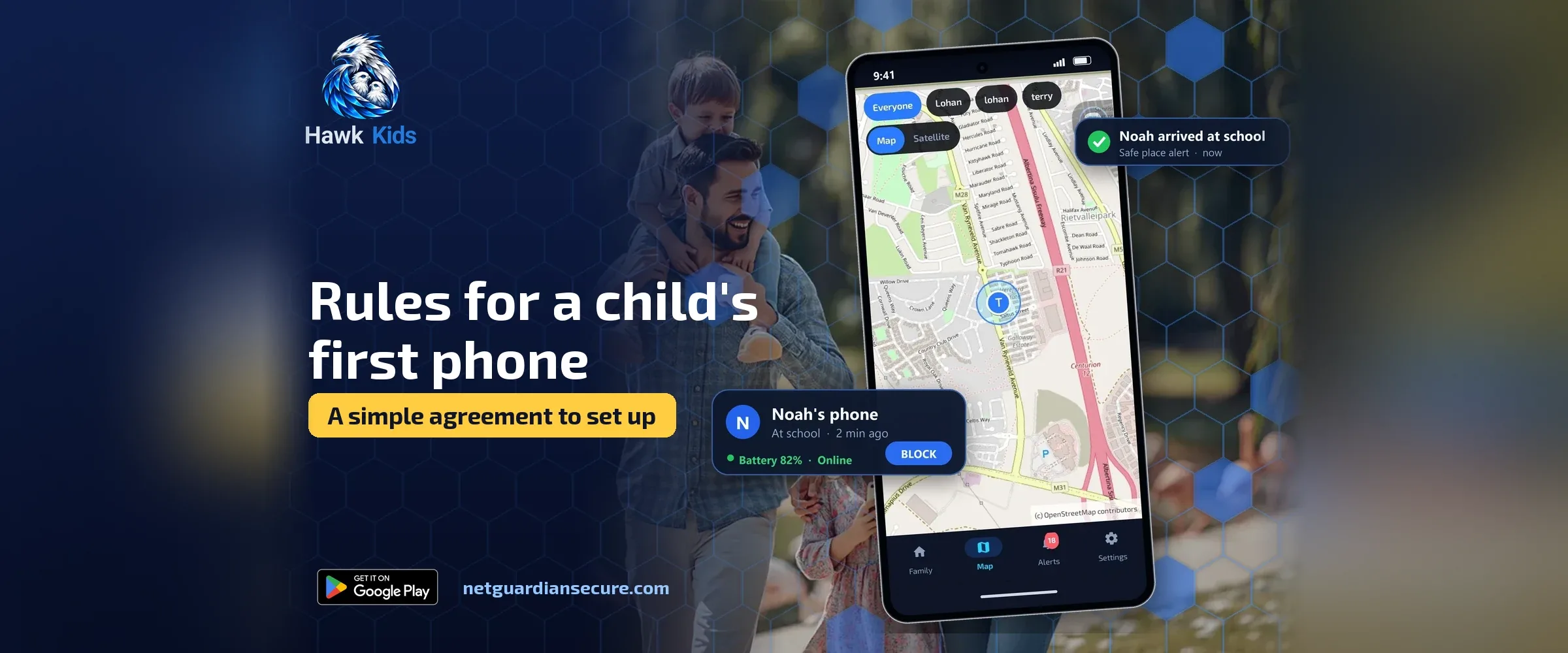
Rules for a child’s first phone: a simple agreement to set up on day one
The day you hand over a first phone is the easiest day to set rules. After that, every rule feels like a punishment. Before that, it’s just how things work. That’s why the rules for a child’s first phone should exist before the screen lights up for the first time, not after something goes wrong.
This isn’t a long list of bans. It’s a short, written agreement covering four things: when the phone comes out, where it sleeps at night, what’s allowed on it, and who can see what. Each one has a real setting or habit behind it, not just a promise.
Is my child ready for a phone?
There’s no single age that fits every child. The FTC’s guide to kids and cell phones frames it as a decision point: once you decide your kid is ready, the job becomes setting limits, keeping them safe, and teaching them to use the phone responsibly. That’s a useful way to think about readiness. It’s less about a birthday and more about whether your child can already follow a few basic rules with the devices they use now, and whether you’re ready to spend time teaching the phone habits you want, not just switching on a filter and hoping.
Write the rules for a child’s first phone before you hand it over
Sitting down together to write the rules for a child’s first phone works better than announcing them. The UK Safer Internet Centre suggests starting with questions rather than instructions: what sites does your child like, what games do friends play online, where would they go for help if something upset them. Ask those questions first. Write the rules after, so they reflect an actual conversation and not just a list you printed off.
Keep the agreement to one page. A child contract that runs to three pages won’t get read twice.
When the phone gets handed over
Decide the moment, not just the hours. Some families hand the phone over after school and collect it at dinner. Others let it live in a kitchen drawer and come out only for specific calls or apps. Either way, name the moment out loud: “the phone comes to you after homework is checked” is a rule a child can actually follow, because it’s tied to an event, not a vague sense of “later.”
Put a daily screen-time allowance on this from day one rather than waiting for a problem to appear. Our guide to screen time limits for kids covers how to set a number that sticks and what to do when a child pushes back on it.
Where it sleeps at night
This is the easiest rule to set and the easiest one to break later if you don’t start on day one. Decide where the phone charges overnight, somewhere outside the bedroom, and say so in the agreement. If the charger lives in the kitchen, the phone has to live there too. This single habit avoids most of the late-night scrolling and most of the arguments about why the phone was still on at midnight.
What’s allowed, and what waits
Not every app needs to arrive on day one. A first phone can start with calls, messages to a short list of family and friends, and one or two apps your child actually asked for. Everything else waits until you’ve both seen how the first few weeks go.
When you do add apps like TikTok or YouTube, decide the time limit before installing, not after a week of unlimited use. Our guides on limiting TikTok and YouTube time and on setting up YouTube’s own controls walk through the settings step by step, and they’re worth doing before the first login rather than after a fight about screen time.
If you want an agreement over which apps are on the phone at all, Hawk Kids, an Android parental control app made by NetGuardian, the same company as this site, lets a parent set any app to allowed, blocked, or a daily time limit from the parent’s own phone. A blocked app won’t open and has no internet; when a time limit runs out, the app closes until the next day and the child gets a five-minute warning first. It’s a tool for enforcing the agreement you’ve already written, not a replacement for writing it.
Who can see what
This is the part most families skip, and it’s the one that causes the most trouble later. Decide now, together, what you will and won’t look at, and say it plainly in the agreement.
Common Sense Media’s guide to parental controls lays out the real range of options. Basic operating-system settings can block categories of content. Full third-party services can show you more, including specific text messages and app activity, but for most social apps that only works if you have your child’s password, and it won’t catch an account you don’t know exists. For Android phones specifically, the same guide points to Google’s Family Link as a free option for children under 13 that a parent runs from their own phone, though settings can’t be locked once a child is in their teens.
A different approach is to agree on alerts instead of full access. On a child’s phone, Hawk Kids watches for warning signs such as requests for photos, demands for money, or messages telling a child not to tell their parents, plus risky photos. Photos are checked on the child’s phone and never sent to the parent. If something trips an alert, the parent is told what kind of warning sign it was, the app it happened in, and the contact’s name, not the private conversation itself. The flagged line stays on the child’s phone, where the parent and child can read it together using the parent’s PIN. New unknown contacts get reported by name and number too, but private chats stay private. That’s a reasonable middle ground for a family that wants to know when something is wrong without reading every message their child sends.
Whatever you choose, say it in the agreement in plain words: “I will see alerts when something looks risky, not your messages” or “I will check your phone once a week together with you.” A rule your child already knows about is a rule they can live with. A surprise is a betrayal, even if the checking itself was reasonable.
What happens if the rules get broken
Decide this before it happens, not in the heat of the moment. A missed curfew on the phone might mean it’s handed in an hour earlier for a few days. A new app installed without asking might mean that app comes off. Write the consequence next to the rule it belongs to, so nobody is guessing what’s fair when something actually goes wrong.
Also agree on where to go for help if something upsetting happens, before it happens. The UK Safer Internet Centre’s advice is to make sure your child knows where to report or block on the apps they use, and that they know you’re one of the places to come to, not someone to hide a problem from.
Put it in writing: a simple one-page agreement
Here’s a short structure you can fill in together in about twenty minutes.
- When the phone is handed over and when it’s handed back, named by event not just by clock time.
- Where it charges overnight.
- Which apps are allowed now, and what gets reviewed before anything new is added.
- A daily time limit, and what happens when it’s used up.
- What the parent will and won’t look at, written in plain words both of you agree on.
- What happens if a rule is broken, written next to the rule it applies to.
- Who to go to, in the family or outside it, if something online feels wrong.
Sign it. It sounds small, but a child signing their name to something they helped write treats it as an agreement, not a punishment handed down.
The limits of any phone or app
No setting replaces a parent who checks in. Internet Matters frames a healthy screen time balance as something built through ongoing habits and conversation, not a single setting switched on once. The same is true of safety tools generally.
Be honest with yourself about what any tool can do. Hawk Kids gives alerts that can start a conversation with your child; it doesn’t prevent every risk and it isn’t a replacement for talking with them regularly. Its website blocking, added in late 2026, works from small starter categories plus sites a parent adds by hand, so it can miss sites a determined child finds another way to. It doesn’t read messages or filter video content inside apps. Any parental control, from any company, has limits like these. Writing a clear agreement with your child matters more than any single feature, because the agreement is the part your child actually understands and can follow when you’re not watching.
If you’re setting up controls for the first time, checking what’s already happening on the phone is a good starting point. Our guide on how to check screen time on an Android phone shows where that information already lives, often before you install anything new.
Sources
- FTC: Kids and Cell Phones: readiness framing and the idea of setting limits once you decide a child is ready for a phone.
- UK Safer Internet Centre, Parents and Carers: conversation starters and advice on making sure children know where to report or get help.
- Common Sense Media, Parents’ Ultimate Guide to Parental Controls: range of parental control options, what third-party services can and can’t see, and Family Link for Android.
- Internet Matters, Screen Time advice hub: framing screen time balance as an ongoing habit rather than a one-off setting.
If it isn’t for you, there’s a 7-day refund window.
Guarding your family, your business, your future.