Hawk Kids is here: an Android parental control app with no subscription
The Hawk Kids app is now on Google Play. It is an Android app for parents who want to know where their child is, switch the phone off at bedtime and hear about danger early. One payment covers one family. It includes Hawk Kids for PC, a Windows program that shows the same map, alerts and schedules on your computer. There is no subscription and no monthly fee to remember to cancel. The Hawk Kids start page shows every feature with screenshots.

Yours for life. No monthly or yearly fees.
This post goes through everything the app does, one feature at a time, and then says plainly what it cannot do. If you only want the short version, the Hawk Kids page has it. If you want to know exactly what you are buying, read on.
What is the Hawk Kids app?
It is one app with two modes. You install it on your own Android phone and choose “I am a parent”. You install the same app on your child’s phone or tablet and choose “This is my child’s phone”. A six-digit code pairs the two. From then on your phone is the remote control for theirs.
It works on Android 8 or newer, on phones and tablets, and we have tested it on Samsung. It is made by NetGuardian Pro, a South African company, and the data sits on a server in Cape Town.
Pause your child’s phone with one tap
Dinner is ready and the phone is still in their hand. Tap Block on your phone and their internet stops: apps, browser, games, chats. Tap Unblock and it comes back. It works on home Wi-Fi, on someone else’s Wi-Fi and on mobile data, because the control sits on the phone itself and not on your router.

Calls and SMS still work, and so does the Hawk app, so you can always reach them and they can always reach you. One small thing worth knowing: the app’s own connection stays open on purpose. If the child’s screen says “connected” while the internet is blocked, that is the app talking to you, not the games getting through.
See where your child is, on a map
Open the Map tab and your child is a pin. You see the street map or switch to satellite, the time of the last update and the battery level. The location updates about every 30 seconds while the phone is online. Tap Locate now and the phone reports straight away instead of waiting.

You can also open a child’s trail and see where the phone has been over the last 30 days. Your child switches location sharing on from their own phone, and Android shows a notice while it is running. We do not hide the app and we do not offer a hidden mode.
Safe places and arrive-and-leave alerts
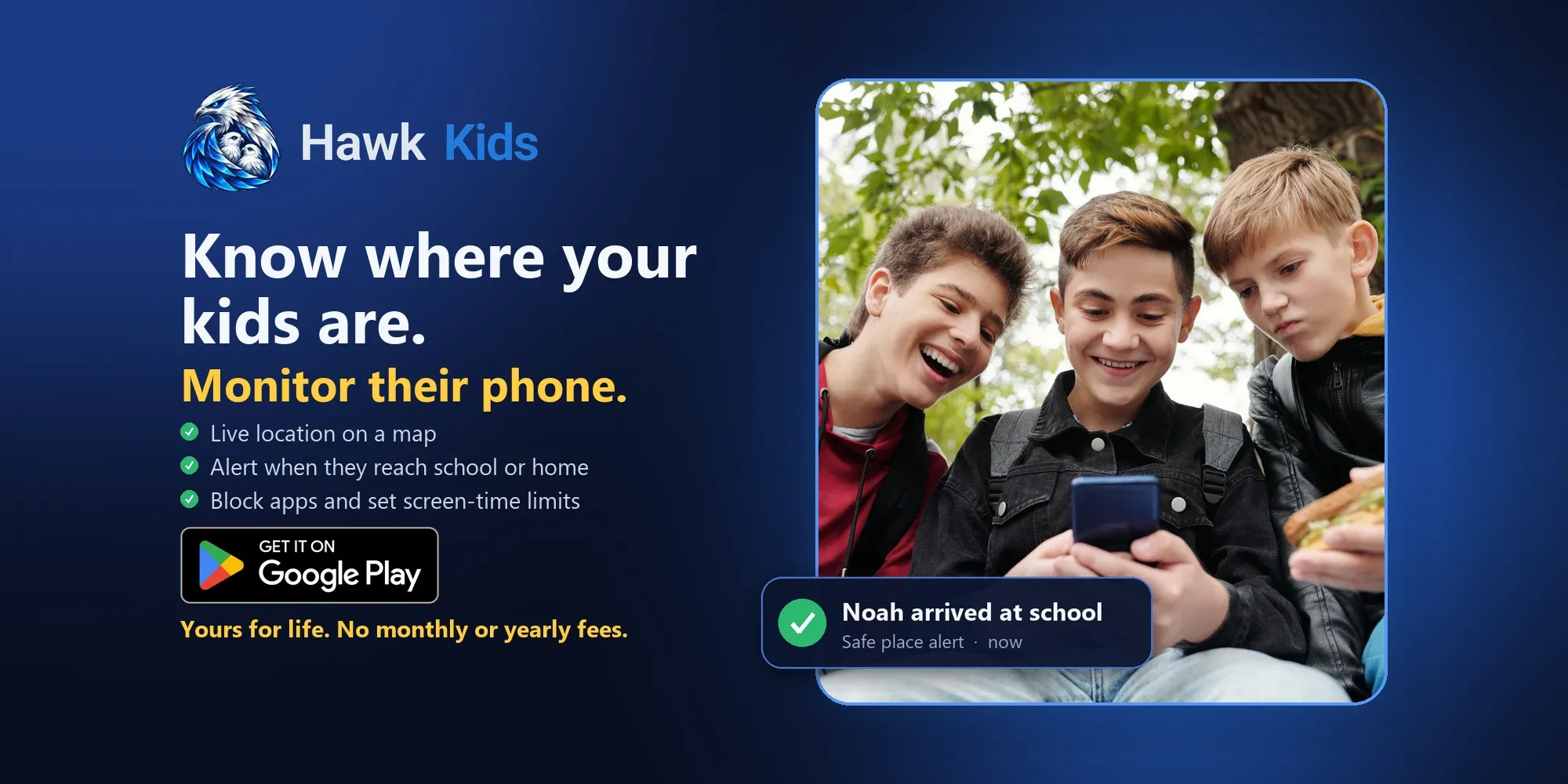
Add home, school, gran’s house, the sports field. Each safe place is a circle on the map that you size from 75 metres up to a kilometre. When your child’s phone enters or leaves one you get an alert: “Noah arrived at school”, “Noah left home”. It is the answer to the 3 pm text asking whether they got there.
Bedtime and school schedules that work without signal
A schedule is a name, the days it applies and a start and end time. Bedtime from 21:00 to 07:00, homework from 15:30 to 17:00, whatever suits your house. You can give a child several schedules and switch each one on or off.
The schedule is stored on the child’s phone. That matters. If the phone has no signal, or the child switches on airplane mode at 21:05, the schedule still runs. You can also override it at any time with the Block and Unblock buttons.
A schedule can work the other way round, too. Choose Internet allowed and pick the only times the internet works, say 17:00 to 18:00 on school days. Add a second slot for the same day if you like, give each day its own plan across the whole week, and change any of it later from your phone. Each child has their own schedules.
Daily screen time limits
Set one allowance for school days and another for weekends, for example 2 hours and 4 hours. The phone counts the time the screen is actually in use. A warning shows on the child’s screen as the time runs low, and when it is used up the internet pauses until tomorrow. Apps that work offline keep working.

Sometimes the answer is yes, ten more minutes. Give extra time with one tap from your phone and it is added to today only.
Warnings about grooming, sextortion and risky chats
This is the part most parents ask about. Sextortion usually starts with a friendly stranger who asks for a picture, then threatens to share it unless the child sends money or more pictures. Grooming follows a similar script: flattery, secrecy, “don’t tell your parents”.

Hawk reads the message notifications on your child’s phone, on the phone and nowhere else, and looks for those warning signs: requests for pictures, demands for money, threats, and phrases that push a child to keep a secret. When it finds one, your child gets a gentle message on their screen and you get an alert saying what kind of warning sign it was, which app it came from and who sent it.
You do not get a copy of the conversation. We chose that deliberately. Children who feel watched in every chat stop using the phone openly, and that makes them less safe. The flagged line itself stays on your child’s phone, where you can read it with them, using your parent PIN, when you sit down to talk. The point of the alert is to start that conversation early, not to replace it.
Nude photo detection that never shows you the photo
The app includes an image model that runs on the child’s phone with no internet connection. It checks photos on the phone for nudity. If one is found you get an alert with the time and the app, and your child is told. The photo is never uploaded, never sent to us and never shown to you. We cannot see it, so nobody at NetGuardian can either.
See who is messaging your child
Under each child there is a contacts list: who has messaged them, in which app, how many times, and when they first and last wrote. Each name is marked as saved in the child’s contacts or unknown. A new unknown number that starts writing to your child raises an alert. You see names and numbers. You never see the messages.
Missing child mode and a records pack for the police
If your child does not come home, switch on missing child mode. The phone then reports its location more often, and any flagged message lines are sent to your account so they are not lost if the phone is switched off or wiped. Alerts and location records from that phone are kept and not deleted on the normal 30-day schedule.
Then export the records pack. It is a set of files you can hand to the police or email to them: the location trail as a GPX map file and a spreadsheet, the list of who contacted the child, and the flagged lines. It saves you from trying to piece together on the night where the phone was and who was writing to your child.
An SOS button on your child’s phone
The child’s home screen has a red SOS button. Press it and every parent gets an alert with the child’s location. It is for the moment a child feels unsafe and cannot make a phone call.
Alerts when something changes on the phone
You are told when the phone is switched off, when airplane mode is turned on, when the SIM card is removed, when the battery is low, and when the phone has gone quiet for a while and stopped reporting. You are also told if the protection on the phone is turned off. With instant alerts on, they reach you within about half a minute. Alerts can be cleared one at a time or all at once.
Protection against being switched off
A parental control app is only useful if the child cannot simply delete it. Hawk uses Android’s device administrator setting and a parent PIN, so removing the app, or turning the protection off, asks for the PIN. After five wrong PIN attempts, the PIN screen locks for five minutes. If someone does get around it, you get an alert. It is not perfect, because nothing on a phone a child holds every day is, but it takes real effort to get past.
Two parents, three children, one licence
One licence covers a family: up to three children and four parents or guardians. Each parent signs in with their own email and password and sees the same children. Add a second parent by sending them an invite code. You can add a photo for each child so the family screen is easy to read at a glance.
What we keep, and what we never see
We keep your email, your child’s first name, the location history for 30 days, alerts for 30 days, and the list of who messaged them for 180 days. We never receive photos or chat messages, except the flagged lines you choose to send by switching on missing child mode. We do not sell data and the app has no advertising or analytics. You can delete a child, or your whole account, from inside the app. The full detail is in the Hawk Kids privacy policy.
How it compares with Family Link, Bark and Qustodio
Google Family Link is free and a sensible place to start. It handles app approvals and basic time limits, but it does not warn you about risky chats or give you a records pack. Bark and Qustodio are well-known names in parental control, and both charge a recurring fee, so check their current prices.
Hawk’s difference is the price model and the focus. You pay once, in Google Play, in your own currency. It is built around the things a South African parent worries about most: knowing where the child is, stopping the phone on demand, early warning about predators, and having something to give the police if the worst happens.
What you need, and how to start
You need an Android phone for yourself, an Android phone or tablet for your child, and about fifteen minutes. Install Hawk Kids from Google Play on both phones, create your family with your email address, and link the two phones with the pairing code. There is no licence code to type. If you get stuck, email support and we will help.
Because Hawk Kids comes from Google Play, Android installs it the normal way, with no unknown-sources setting to change. The app still asks for the permissions it needs, such as location, and your child approves location sharing on their phone.
What it does not do
It is Android only. iPhone needs extra approval from Apple, so it will follow later. The chat warnings work from message notifications, so they cover apps that show a notification for each message. They catch common patterns, not everything, and a determined predator can word things in a way that slips past. Alerts are a help and not a guarantee. They do not replace talking to your child about who they speak to online. If you want somewhere to start that talk, our guide to the first conversation about online safety is a good one.
Price and refund
Hawk Kids is one payment for one family, paid in Google Play in your own currency, with no subscription. You see the price on the Google Play listing before you buy. There is a 7-day refund if it does not suit you.
Questions parents ask
Is Hawk Kids free?
Does it work on iPhone?
Can I read my child's WhatsApp messages with it?
Can my child see that the app is on the phone?
Can my child delete the app?
Does it use mobile data and drain the battery?
How many children and parents can I add?
What if my child's phone is lost or stolen?
About the author. Published by Joel Papenfus, founder of NetGuardian and creator of NetGuardian Pro. Reviewed, checked and approved by Joel on 4 October 2026.
Related reading: WhatsApp Parental Control: What a Parent Can and Cannot Set, Parental monitoring app for Android: what to look for before you pay, Parental control app for Android: Hawk Kids is now on Google Play.