Hawk Kids for Android
Free for the first 20 families. No catch.
Be one of the first 20 families to use Hawk Kids at no cost: a live map, screen time limits, app blocking and early warnings on your child's cell phone. Fill in the form and we email your Google Play code straight away.
free copies left
Hawk Kids for Android, free for the first 20 families. No payment, no card, no catch.
The only thing we ask: if you find Hawk Kids useful, an honest rating on Google Play helps other parents find it. That is up to you. Your free copy does not depend on it.
Your free copy is ready
Redeem on Google PlayOn your Android phone, tap the button, then Redeem and Install. We also emailed these steps to you.
Download the step-by-step guide (PDF)
Share on WhatsAppAll free copies are taken
Thank you for the interest. Want the next batch? Leave your details and we will email you when more free copies are available.
Hawk Kids is also on Google Play at the normal price, with no subscription.
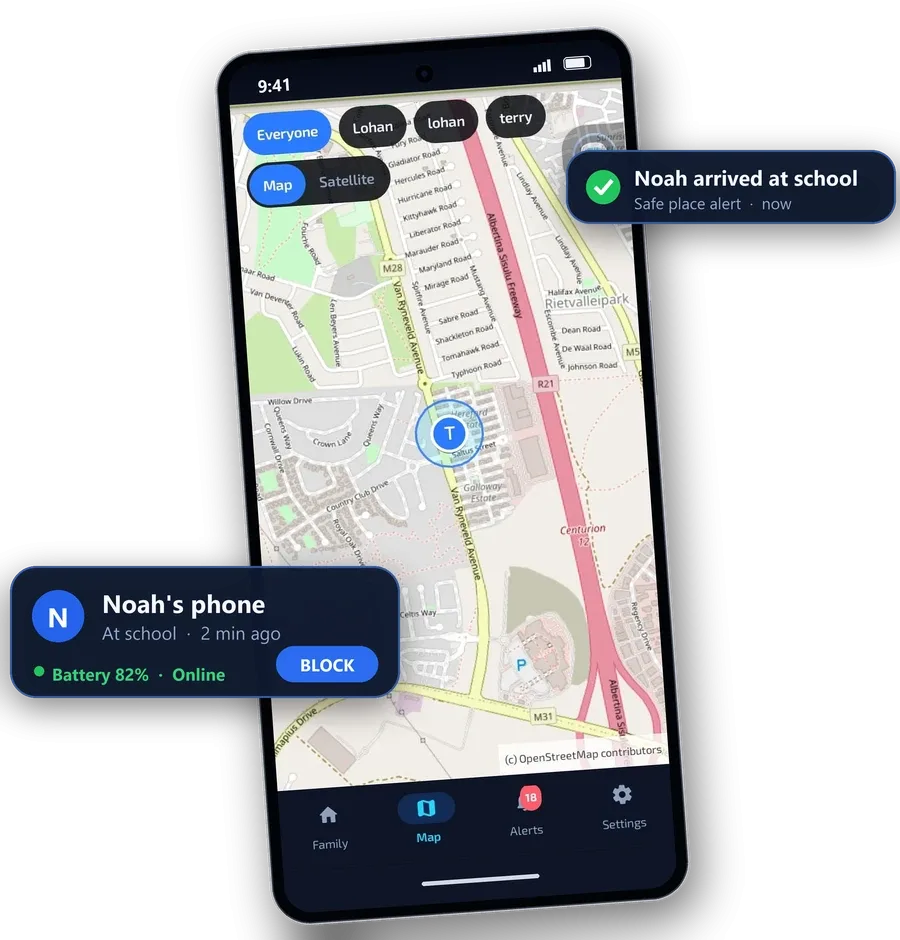
See it in action
Everything you get
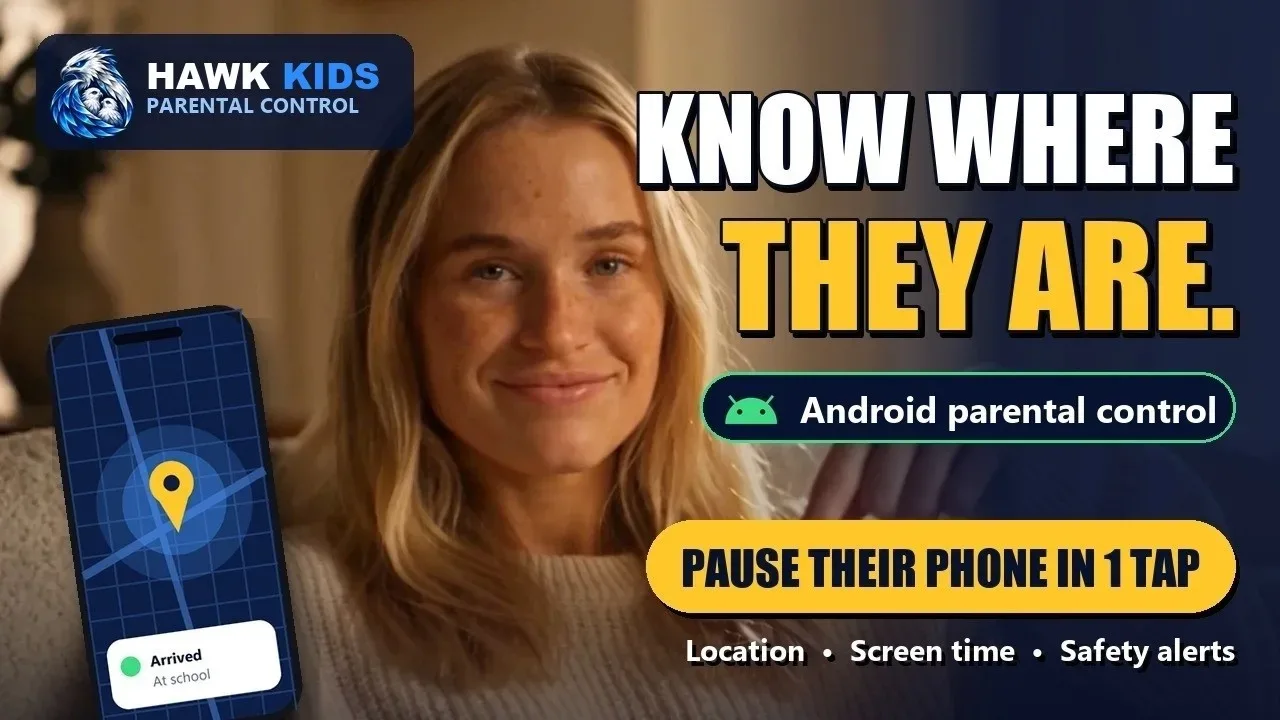
See where they are
- See where they are on a live map, with street and satellite views, the time of the last update and the battery level
- Arrive and leave alerts for home, school and a friend’s place, plus safe places you choose
Pause the internet in one tap
- Pause and restore the internet in one tap, from anywhere, on home WiFi, other WiFi and mobile data
- Give extra time with one tap
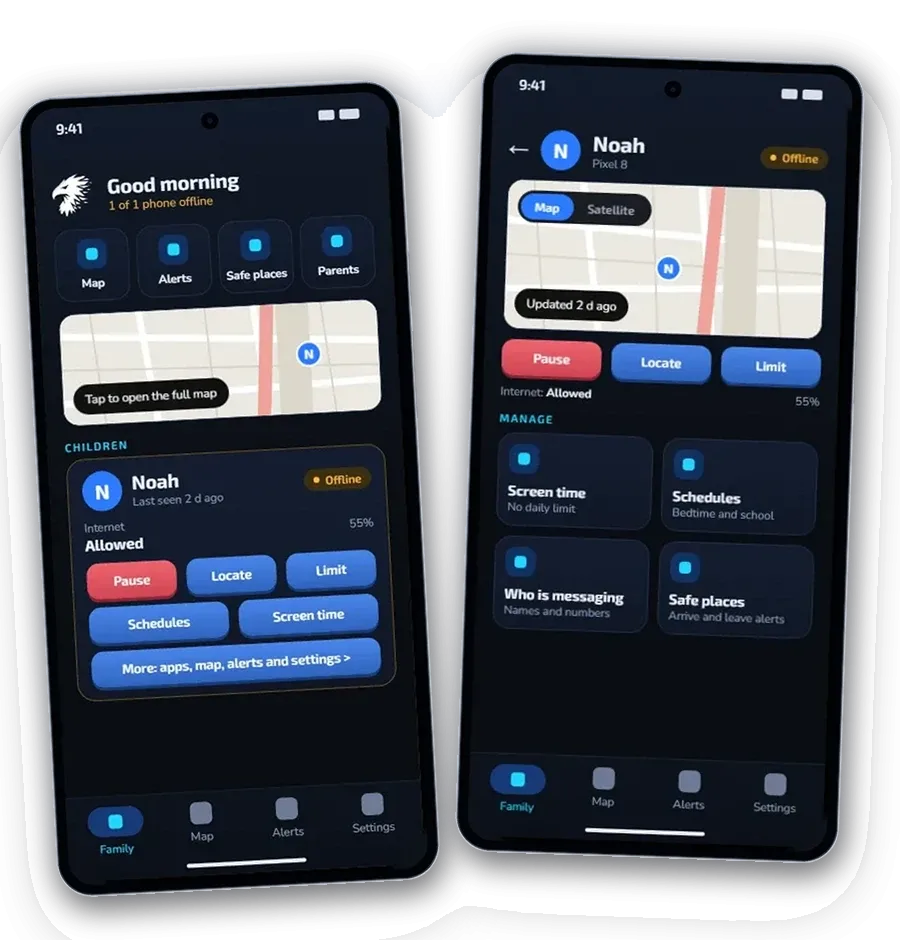
Screen time limits that stick
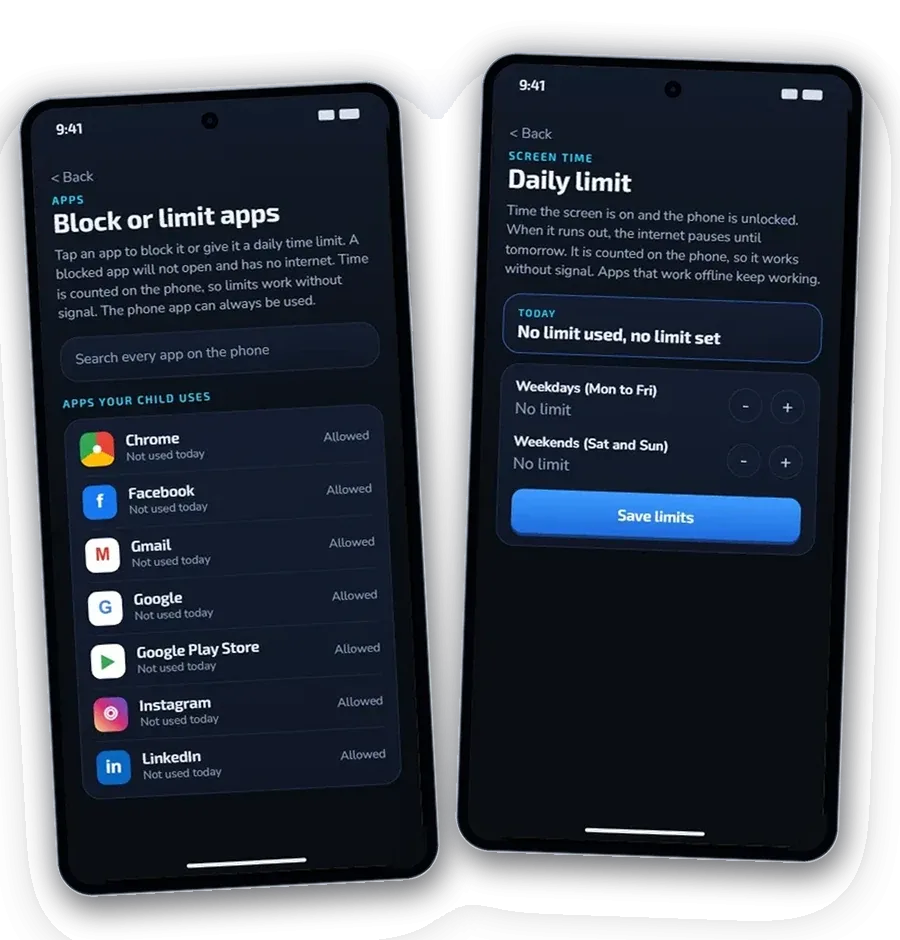
- Block any app, or give it a daily limit from 15 minutes to 12 hours. The time is counted on the phone, so it works with no signal
- See how many minutes each app was used today
- Bedtime, school hours and homework schedules that run themselves, plus a daily screen time allowance
- Block websites: adult content, gambling and VPN sites, or any address you add. A blocked site will not open on your child's cell phone
Early warnings, not message reading
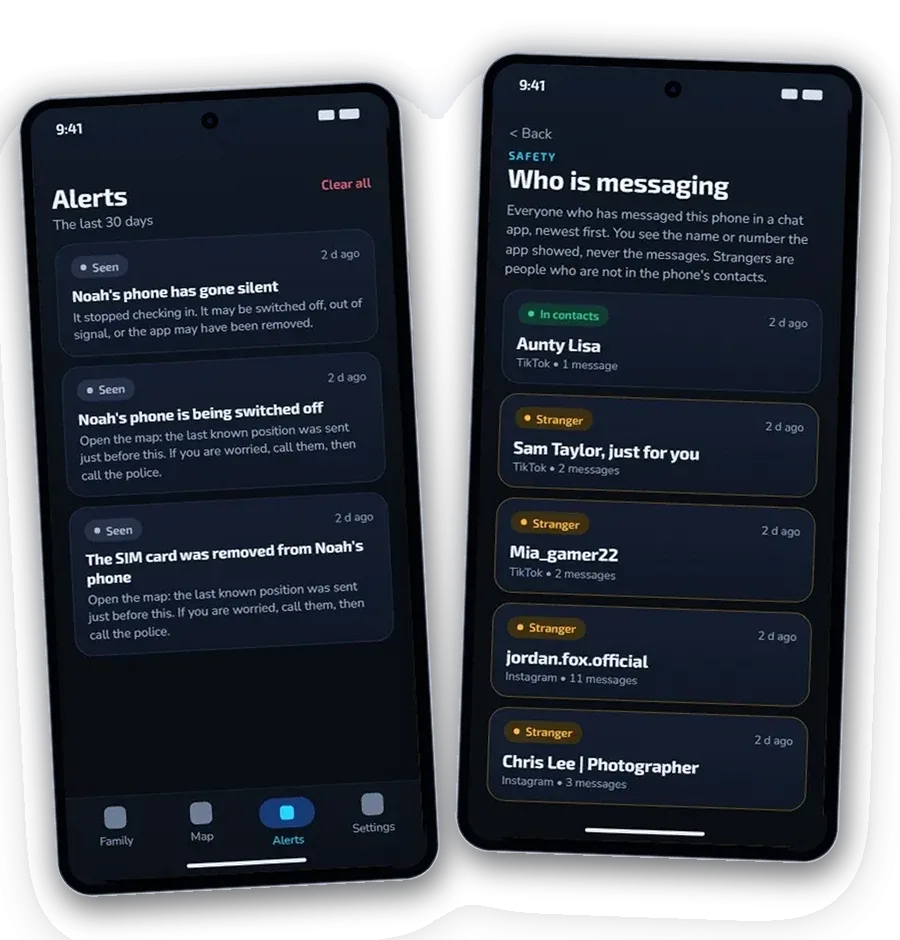
- Warnings about grooming, sexual requests, money demands and threats, checked on your child’s phone
- See who is messaging your child: names and numbers, never the messages
- Alerts when the battery is low, the phone goes quiet or protection is switched off
Also included
- SOS button and missing-child mode, so the phone reports its location more often
- Police report: a records pack you can hand to the police if your child goes missing, with the location trail, who messaged your child and the flagged chat lines
- Tamper-proof PIN and removal protection on your child’s phone
- Windows 10 and 11 PC program included, with the same login: map, alerts, schedules, screen time and apps
- Up to 3 children and 4 parents on one licence, each parent with their own login
- Works on Android phones and tablets (Android 8 or newer), tested on Samsung phones
- Open, not secret: your child’s phone shows a notice while location sharing and safety alerts are on
- Email support included
Missed the free copies?
Hawk Kids is still on Google Play at the normal price, with no subscription.
Questions parents ask
Is it really free?
Yes, for the first 20 families. There is no payment and no card. We ask nothing in return. If you find Hawk Kids useful, an honest rating on Google Play helps other parents find the app, but that is entirely up to you.
Does my child know it is on their cell phone?
Yes. Hawk Kids is open, not secret. Your child approves location sharing on their cell phone, and Android shows a notice while it is on.
Does it read my child's messages?
No. You are never shown their private messages. It warns you when a chat looks risky, so you can talk to your child. It can also block websites: switch on adult content, gambling or VPN sites, or add any address. The built-in lists cover well-known sites, not every site on the internet.
Can I block websites?
Yes. Open your child's page in the app and tap Websites. Switch on adult content, gambling or VPNs and proxies, or type the address of any site. A blocked site will not open on your child's cell phone. Hawk only compares the name of a site with your list, on the phone. It does not record or send what your child visits.
Is there a subscription?
No. You pay once. There are no monthly or yearly fees and it never auto-renews. One licence covers up to 3 children and 4 parents. Many parental control apps charge every month or year, so over a few years Hawk Kids usually costs you less.
How do I set it up?
Install Hawk Kids on your cell phone and on your child's cell phone, then enter the pairing code to link them. Your download includes a step-by-step guide with pictures.
Does it work on iPhone?
No. Hawk Kids is for Android cell phones and tablets.
What if it is not for me?
You have 7 days to ask for a refund.
No Google Play on your phone? You can install Hawk Kids straight from our website instead.
Install direct from our websiteGet Hawk Kids for R999
Guarding your family, your business, your future.